

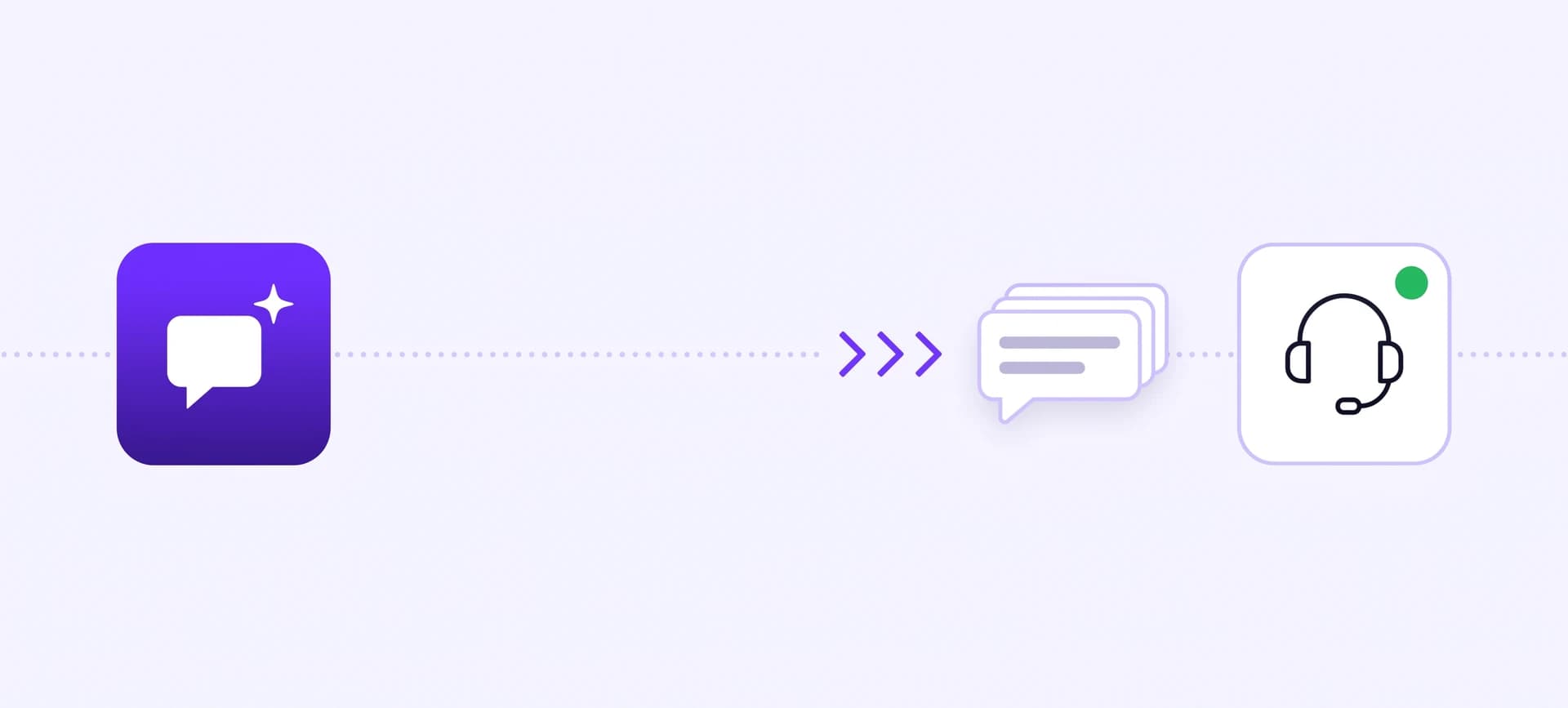
A chatbot human handoff is the moment the AI stops answering and a person from your team takes over the same conversation. It works when three things hold: the AI knows when to step aside, the person who joins can read everything the visitor already said, and nobody hits a dead end while the team is away. It fails in one familiar way: someone joins and asks the question the visitor answered two minutes earlier.
Ultimo Bots is an AI support agent for any business website: it answers from your own content around the clock on your website, a shareable chat link, Messenger, Instagram, Telegram and Slack, captures leads, hands the conversation to you in live chat with the full history when a person is needed, and connects to Zapier, Make or n8n so routine customer flows run end to end.
Take over chats with full context
Where a chatbot human handoff usually breaks
A post on Reddit's r/AI_Agents in September 2026 described a support chat that went the way most of them go. The bot could not help, which surprised nobody. Then the person who joined asked the exact question the bot had already asked. The poster's conclusion was that people expect a bot to hit a wall, and that the real failure is the handoff.
People forgive an AI for not knowing something. They do not forgive being made to start over. Whether you call it a chatbot to human handoff, an AI to human handoff or chatbot escalation, it breaks in one of three places:
- The repeat. The person who joins has no transcript, or skips it, and opens with "How can I help?"
- The dead end. A "talk to a human" button that leads to "we're offline, leave a message", and the message goes nowhere.
- The loop. The AI keeps trying long after it should have stepped aside, and the visitor leaves before a person ever sees the conversation.
Most guides on this topic are written for support teams with an agent hub, queues and routing rules. This one is for the far more common case: the person taking over is you or one of two colleagues, and nobody sits at a desk all day. The fixes are mostly decisions, not software.
When should a chatbot hand off to a human?
Hand off too late and you get the loop. Hand off too early and you are answering opening-hours questions yourself again. Which questions to give an AI in the first place is covered in our guide to automated customer service. This section is about the edge: the moments where a person is worth more than a fast answer.
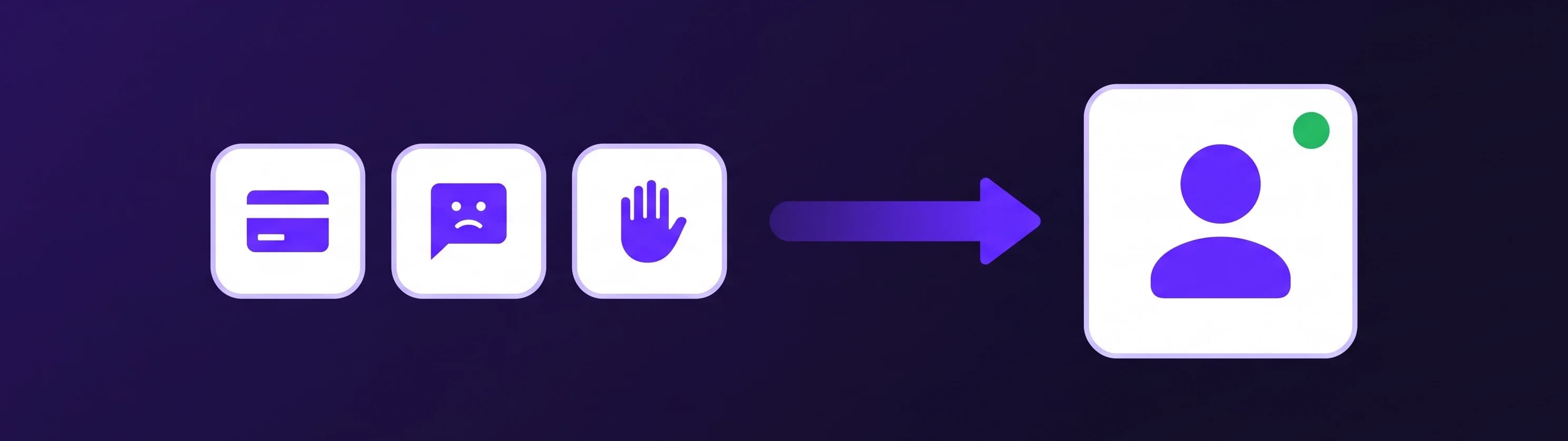
Six triggers justify a person, roughly in the order they come up:
- The visitor asks for one. "Can I talk to someone?" is not a question to answer with another answer. Honor it immediately.
- Money has gone wrong. A double charge, a missing refund, a price that differs from the quote. The AI can explain your refund policy, but a disputed payment needs a person.
- Frustration or a complaint. Repeated messages, "this is the third time", a delivery that arrived broken. Tone is a trigger on its own.
- An exception or a promise. "Can you deliver by Friday?", "Is there a discount if I order ten?" Anything that commits you outside your published rules belongs to a person.
- The answer is not in your content. If the AI searched your pages and documents and found nothing, it should say so and offer a person instead of guessing.
- A big sale is on the table. A large order, a project quote, a business customer comparing you with a competitor.
Two of these are built in. When someone from your team is online, the AI brings a person in right away when a visitor asks for one, and when the answer is genuinely not in your content, it offers a person and hands over as soon as the visitor says yes. The rest you add in plain words as a behaviour in the AI Studio, for example: "If a visitor reports a problem with a payment or wants to complain, ask for the order number, then offer to bring in someone from the team." Owner rules outrank the AI's defaults, so when a rule says to collect the order number first, the AI asks for it before it hands over.
What should not trigger a handoff: questions your content already answers. If opening hours or delivery times keep reaching a person, that is a gap to close in your knowledge base.
What a good handoff looks like in the chat
Here is the shape to aim for, on a site that sells furniture:
Visitor: Hi, I ordered a dining table last week and my card was charged twice.
Agent: I'm sorry, that shouldn't happen. A double charge needs someone from our team to check the payment, and someone is online right now. Could you give me your order number, and shall I bring them into this chat?
Visitor: Sure, it's 20417.
Agent: Thank you. A person from our team will join this chat in a moment and will see everything you've written.
Maria has joined the chat.
Maria: Hi, Maria here. I've read your messages about order 20417 and the double charge. I'm checking both payments now and will reply here within a few minutes.
None of this is clever. The AI says why it hands over, collects the one detail the person will need, and tells the visitor the history travels with them. Then the first human message proves it: it names the order and the problem, and asks for nothing the visitor already gave.
For the visitor it stays one chat window. They see a short notice that Maria joined, and the AI stops replying while she is there. When Maria leaves, that is announced too, and the AI picks the conversation back up. That is what live chat with AI in front should feel like: one conversation, two kinds of help.
What the person taking over should see
The repeated question is rarely a people problem. It is a screen problem: the person who joins is looking at a ticket subject line instead of the conversation.
In the live chat inbox, every active conversation is listed with the visitor's name when known, their country, a preview of the last message and an unread count, and a "Help requested" badge marks the ones asking for a person. You can open any conversation and read along before you join, including every answer the AI gave. Presence shows whether the visitor is still there, and when you join, you choose the name they see.
Two helpers sit next to the reply box:
- Translate. A visitor writes Spanish, you read English. Translate their messages into your language and your reply into theirs, one click per message. Included on every paid plan.
- Suggest. One click drafts a reply from your own knowledge base, written like a person typing, ready to edit or send. Included on Boost and Ultimo.
Your own messages do not count against your plan's AI responses. And one habit removes the repeat for good: read the last three messages before you type, and let your first line prove it.
What happens when nobody is online?
This is the part enterprise guides skip, because an enterprise always has somebody on shift. You don't, so the handoff has to fail gracefully. The rule: never offer a person you cannot deliver.
| Situation | What the visitor sees |
|---|---|
| Someone on your team is online | A "Talk to a human" button, and an AI that brings a person in when it matters |
| Nobody is online | No handoff button and no live handoff on offer; the AI keeps answering and can take their name and email |
| A person was requested but nobody joins in time | A notice that nobody responded, your own offline message, and the AI carries on |
| You leave the conversation | A notice that you left, and the AI picks the conversation back up |
Three settings decide how this plays out:
- Availability. Toggle yourself online, or set weekly hours in your timezone and let the schedule decide. Online stays on until you switch it off, so use the schedule for regular hours and the toggle for exceptions.
- Offline message. Make it a next step, not an apology: "Nobody from the team is free right now. Leave your email and question here and we'll reply by 10:00 tomorrow."
- Response timeout. How long a visitor waits after asking for a person before they hear nobody is available. The default is two minutes; set what you can actually deliver.
When the AI collects a visitor's name and email, the lead lands in your leads inbox with the full transcript, and you are notified immediately by email and, if you like, in Slack, Microsoft Teams or Telegram. The morning follow-up starts from the whole conversation: the same no-repeat rule, a few hours later.
How to set up a chatbot human handoff for a small team
For a team of one to three people, half an hour covers it:
- Decide who covers which hours. Every teammate has their own online toggle, and there is no queue or assignment: whoever clicks Join takes the conversation, even if a colleague already joined, so agree on the split up front.
- Set the schedule for the times someone is reliably at a screen, often narrower than your opening hours.
- Save your live chat settings: the "Talk to a human" button switched on, an offline message, and a timeout you can meet on a busy day.
- Put the alert where you look. In Notifications, send "Live agent requested" to your fastest channel. Every alert links straight to that conversation, and on Telegram the button also signs you in, so you land in the chat from your phone without a password. Keep "New chat" alerts inside the portal so they don't drown out the ones that matter.
- Write your triggers as behaviours: payments, complaints, exceptions, large orders, one plain sentence each, plus what to collect before handing over.
- Set your name and avatar, so the visitor sees a person arrive.
- Test it end to end from your public chat link on your phone while you are online: ask for a person, join, reply, leave. The test chat inside the portal deliberately does not start a live request, so the chat link is the real test.
Live chat and the handoff are included on every plan, from $29 a month or $19 a month on yearly billing, and teammates cost nothing extra because you pay per AI agent, not per seat. Every plan starts with a 7-day free trial; details on the pricing page.
Try the handoff free for 7 days
Where the handoff works, and where the case goes next
The live takeover works on your website chat and the shareable chat link, in the same window with the history intact. The same agent also answers on Facebook Messenger, Instagram DMs, Telegram and Slack, and on Messenger and Instagram you can pause the AI on a single conversation and reply from the portal yourself.
Some cases do not end in the chat. For those, give the AI a skill that collects the details and sends them through app actions to a Zapier, Make or n8n webhook. Your workflow turns a damage report into a ticket with the order number, a quote request into a CRM record and a task, a callback request into a message in your team channel. Zapier receives the data but cannot send an answer back into the chat; Make and n8n can. HubSpot and Mailchimp connect directly.
Three signals to check after a month
Handoffs are easy to set up and easy to forget. Three numbers tell you whether yours works.
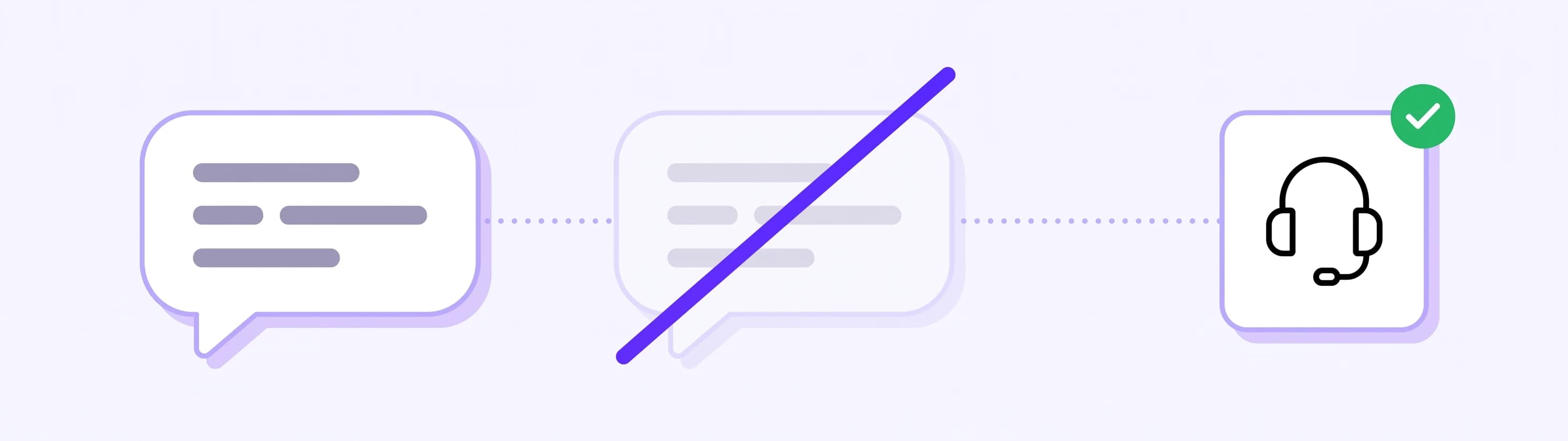
Handoff rate. Count the month's "Live agent requested" alerts against the number of chats in your Insights. There is no universal right number, but the direction matters. A rising rate usually means content gaps: read why people asked and close the gaps. A rate near zero while you still hear about unhappy customers elsewhere means the way to a person is too hidden.
Time to first human reply. From the alert to your first message. Check the timestamps in a handful of handed-off chats, and count how often visitors got the "nobody responded in time" notice instead. If that happens often, narrow your online hours, move the alert to your phone or lengthen the timeout. A short promise you keep beats a long one you miss.
Repeated-question rate. The Reddit failure as a number: the handed-off chats where your first message asked for something the visitor had already written. The target is zero. If it isn't, either the person joining skipped the history, or the AI should have collected that detail first. Both are one-sentence fixes.
If after a month your handoffs are rare, quick and never ask twice, the chatbot human handoff is doing its job: the AI takes the routine, and the conversations that need you arrive ready to answer.