

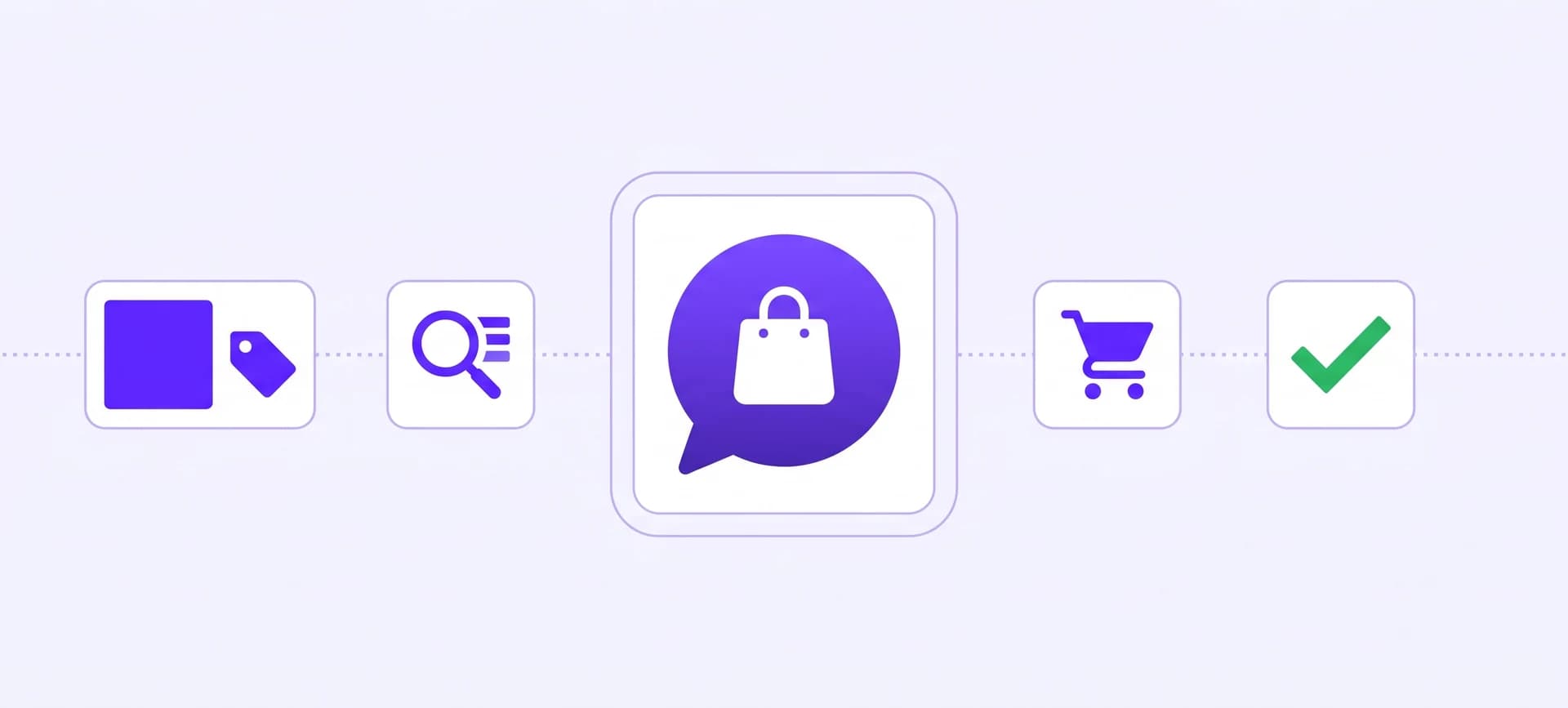
An AI chatbot for ecommerce is an assistant on your store that answers shopper questions from your real catalog and your real policies, at any hour, without a human typing the reply. The good ones do more than talk: they find the exact product from a vague description, quote the real price and stock, and hand the shopper a cart they can pay for. This guide covers what one actually does today, how to connect it to your store in an afternoon, what to automate first, and what it costs.
Ultimo Bots is an AI sales and support assistant for any online store: it answers from your own catalog and policies around the clock on your website, shareable chat link, Messenger, Instagram, Telegram and Slack, builds a ready-to-pay cart from the conversation, captures leads, and connects to Zapier, Make or n8n so your routine store flows run end to end.
Let it answer from your catalog
What an AI chatbot for ecommerce does beyond talking
Almost every ecommerce chatbot on the market answers questions. That part stopped being a differentiator around the time large language models became a commodity. The half that still separates the useful ones from the decorative ones is whether the assistant can reach your actual data and then do something with it. That capable half is increasingly sold as an AI agent for ecommerce rather than a chatbot, and the renaming is earned: an ecommerce AI agent is defined by acting on your store's data, not by chatting about it.
Two shoppers, same store, same evening:
| The shopper asks | A talking assistant | An assistant with access |
|---|---|---|
| "Do you have this in a 42?" | "Please check the product page for sizes." | Reads the live variant, says yes or no, and names what is in stock |
| "What is the cheapest waterproof jacket you sell?" | Lists three it happens to remember | Sorts your whole catalog by price and answers exactly |
| "How many phone cases do you carry?" | Guesses, or dodges | Counts them and gives the number |
| "OK, I will take the green one" | "Here is a link to our shop" | Builds a cart with that exact variant, ready to pay |
| "Do you ship to Austria and what does it cost?" | Repeats a generic policy line | Quotes your real shipping zone and rate |
The right-hand column is the whole argument. An assistant that cannot see your catalog is a search box with worse manners.
Answering from your real catalog, not from a guess
When you connect a store, every product becomes something the assistant can filter on, not just something it can recite. Price, availability, size, colour, material, brand, whatever columns your catalog carries all become searchable properties.
That distinction matters more than it sounds. "Show me a sporty estate around 25k, diesel, under 50,000 km" is not a question a text search can answer, because a dozen near-identical listings will crowd out the right one. Ultimo Bots runs it as a real query: hard filters on the numbers, a meaning-based match on the description, and an exact count taken from your catalog rather than from the handful of items that happened to rank.
The practical consequences a shopper feels:
- "Cheapest" and "most expensive" are correct, because the sort runs across the entire catalog rather than a sample.
- "How many do you have" gets a number, not a hedge.
- A vague description still lands. "Something warm for a toddler that is machine washable" resolves to real items.
- A dead end explains itself. If nothing matches, the assistant works out whether the value genuinely does not exist in your shop or whether the combination was simply too tight, so it never tells a shopper you are out of something you sell.
- Results arrive as a product gallery. Image, title, price, availability and a link, scrollable inside the chat, on the website widget, the shareable chat link and the dashboard alike.

From an answer to a paid cart, without leaving the chat
This is the step most ecommerce chatbot examples never reach, and it is the one that shows up in revenue.
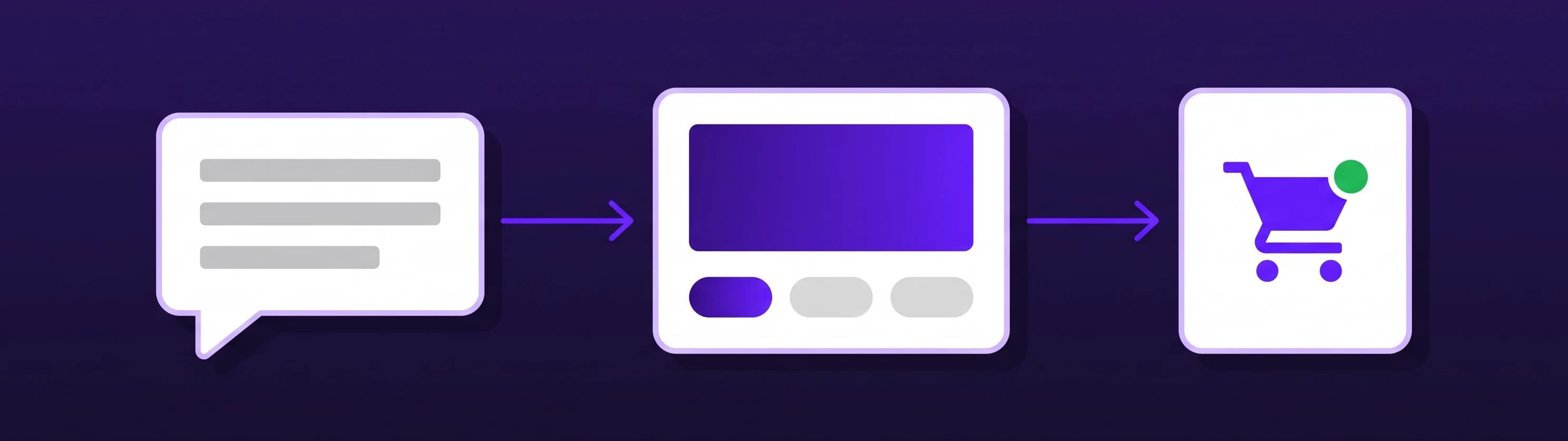
On a connected Shopify store, the assistant turns buying intent into a cart. A shopper says they will take the green one in medium, and it builds a checkout link for that exact variant. If the conversation is ambiguous, it asks which size before building anything. In the website widget, product cards carry their own buy button: a single-variant product gets a straight Add to cart, and anything with options opens a small selector showing live price and availability per variant. The item lands in the store's real cart, and the theme's own cart drawer and badge update immediately rather than waiting for the next page load.
The assistant can also issue a single-use discount code inside the conversation, generated on the spot and valid for a limited window, which is a considerably better answer to "is there anything on this?" than silence.
How do you connect one to your store?
You do not need a particular platform for any of this, and you should be suspicious of any tool that says otherwise. There are four ways in, and they end in the same place:
- A native store connection. Shopify and Wix stores connect directly and mirror the live catalog, including variants, stock and product metadata. After that the catalog re-syncs on its own each day on paid plans, so a price change or a sold-out variant is reflected without anyone clicking anything. On Wix, the assistant can additionally look up an order and its tracking status.
- Point it at your shop's address. No file, no plugin. It crawls your live product pages and builds the catalog from what is published, which is the route for a store on any other platform.
- Upload an export. A CSV, JSON or TSV file from whatever system you run. Column names in English or German are recognised automatically, and everything else becomes a filterable property.
- Nothing at all, at first. Point it at your website and it learns your policies, delivery terms and FAQs from your own pages while you decide about the catalog.
Of those four, the native Shopify connection reaches deepest, and it is worth looking at on its own.
What a Shopify chatbot can do that others cannot
Shopify exposes more of a store than any other platform we connect to, and the app is built to take all of it. That is the practical gap between a generic widget and a Shopify AI chatbot that actually knows the shop.
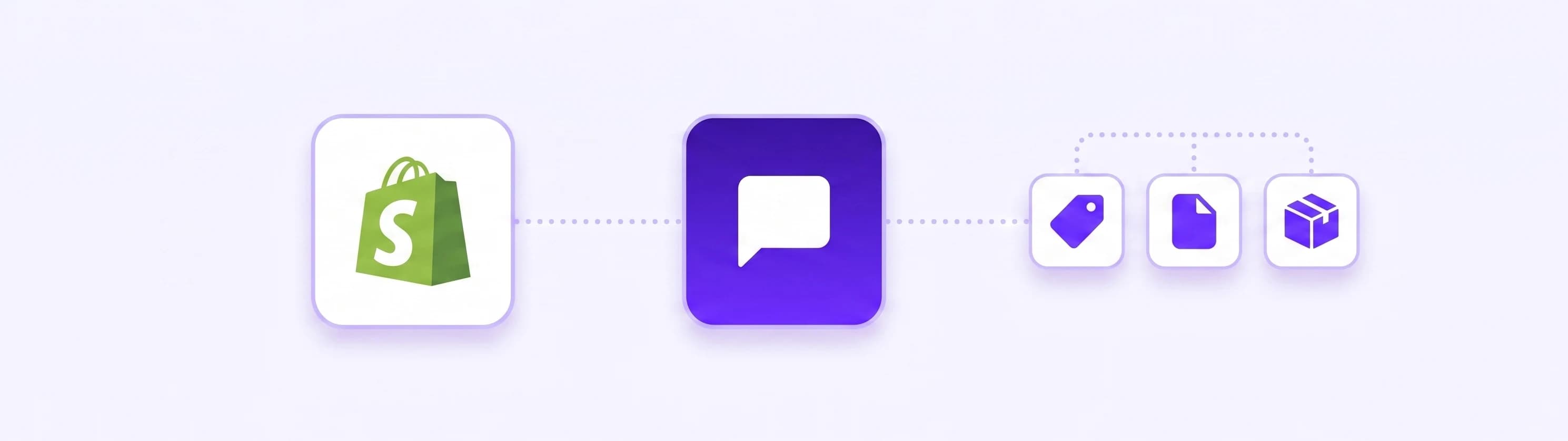
It installs from the Shopify App Store and sets itself up inside your admin. During setup it imports, with nothing for you to upload:
- The catalog, with variants, inventory levels and product metafields, so size, colour and stock all become filterable.
- Policies and pages, including refunds, shipping and terms, plus published pages and blog articles.
- The facts that live in your settings, meaning real shipping zones and rates, pickup options, and any automatic discounts you currently have running.
- Structured content such as size charts and FAQ blocks.
After that the catalog re-syncs daily on paid plans, so a price change or a sold-out variant needs nothing from you. The chat widget goes onto the storefront as a theme app embed, which is a toggle in the theme editor rather than a change to your code. Billing runs through Shopify next to your other apps.
There is no single best chatbot for Shopify, but the ones worth shortlisting share one trait: they read the live store rather than a copy of it. Two more things worth checking when you compare Shopify chatbot apps. One agent belongs to one store, so a second shop gets its own. And the app reads product and content data only, so no customer or order records ever leave your store.
Where your shoppers actually message you
A meaningful share of pre-purchase questions never reach your website. They arrive as an Instagram DM under a product photo, or a Messenger reply to an ad. An assistant that only lives in a website widget misses those entirely, and they are frequently the ones closest to a sale.
The same assistant, with the same catalog and the same policies, answers on the website widget, a shareable chat link you can drop into an email or a bio, Facebook Messenger, Instagram DMs, Telegram and Slack. You set it up once. There is no second knowledge base to maintain, and no version of your returns policy that is quietly six months out of date on one channel.
What to automate first
Not everything is worth automating on day one. In rough order of what pays back fastest for an online store:
- Product finding. The highest-volume question in any shop is some version of "do you have something like this". It is also the one that most directly precedes a purchase.
- Shipping, delivery times and returns. High volume, zero judgement required, and the answers are already written somewhere on your site.
- Stock and variant questions. "Is this back in stock in black" is pure lookup and endlessly repetitive.
- The cart handoff. Once the shopper has decided, remove every remaining click between the decision and the checkout.
- Lead capture out of hours. A wholesale enquiry at 23:00 should not wait until morning to be recorded. Collected details reach you immediately, and can be pushed straight into your tools.
That last point is where the automation layer earns its place. Through app actions, what the assistant collects can be posted to a Zapier, Make or n8n workflow, so most routine flows you currently handle by hand can run end to end: a wholesale enquiry becomes a CRM record plus a task plus a confirmation email; a stock alert request becomes a spreadsheet row and a message in your team channel; an eligibility or availability check can call your own system and bring the answer back into the same conversation. Make and n8n can return a result into the reply; Zapier is send-only, so use it for pushing data out. HubSpot, Mailchimp and Stripe connect directly.
The one thing worth keeping human
People do not resent automation. They resent automation with no exit. Search for almost any support tool and you will find shoppers asking how to get past the bot, which is what happens when a system is built to deflect rather than to resolve.
So treat the handoff as a feature rather than a failure. When a conversation needs you, it should reach you: the assistant hands over to live chat, and if nobody is available it takes the details and notifies you straight away instead of looping. A shopper who gets a fast, honest "I will get that to a person now" stays a customer. One who cannot find the exit does not.
The same honesty applies to what the assistant is. Visitors are told they are talking to an AI assistant, which is the decent thing to do and, under Article 50 of the EU AI Act, a transparency duty that applies across the EU. The disclosure is built into the widget, so it is not something you have to remember to add.
What it costs
Most vendors in this category hide pricing behind a demo request. Ours is public.
| Plan | Monthly | Yearly, per month | Suits |
|---|---|---|---|
| Smart | $29 | $19 | A single store getting its first assistant live |
| Boost | $59 | $39 | Growing stores, more volume, more channels |
| Ultimo | $149 | $99 | Higher traffic and several agents |
Every plan starts with a 7-day free trial, and Shopify merchants can subscribe through Shopify's own billing rather than a separate card on file. Full details are on the pricing page.
How to tell it is working after a month
Three signals you can check yourself, none of which require a dashboard to interpret:
- The share of conversations that ended without you. If it is not climbing, your knowledge is thin, not your assistant.
- Where handoffs cluster. Five conversations a week all stalling on the same question is a missing page, and it takes ten minutes to fix.
- Out-of-hours captures. Enquiries recorded between closing and opening are revenue you were previously losing in silence.
Getting there takes an afternoon. Connect the store or point it at your site, let the catalog import, read the first twenty real conversations, and fix the two answers that were thinner than you expected. The step almost everyone skips is that last one, and it is the step that does most of the work.
Have a look at how the knowledge base turns your existing pages into answers, what app actions can trigger in your other tools, how live chat handoff works, and which channels your assistant can answer on.