

Wix live chat has changed. Wix Chat, the free chat you answered yourself, can no longer be installed on new sites, and its replacement, Wix Smart Chat, keeps the manual chat free but pays for AI replies out of the AI credits in your Wix plan, switching to offline mode when they run out. So the real choice now is between answering every message yourself, running Wix's AI on a shared credit budget, or adding an AI agent from the Wix App Market that answers around the clock and hands the conversation to you when you are online.
Ultimo Bots is an AI support agent for any business website: it answers visitors from your own content around the clock on your site, a shareable chat link, Messenger, Instagram, Telegram and Slack, hands the conversation to you in live chat when you are online, and connects to Zapier, Make or n8n so routine requests run end to end.
Add live chat that answers 24/7
What happened to Wix Chat (as of September 2026)
If you are looking for the Wix Chat app, you can no longer add it to a new site. The Wix help center says it plainly: Wix Chat will no longer be available to install from the Wix App Market, and it will stop receiving updates and ongoing support (Moving from Wix Chat to Wix Smart Chat). Sites that already run it can keep it, but new features now go only into Smart Chat.
Smart Chat is the former Wix AI Site Chat under a new name, extended with a manual chat. AI Site Chat itself stopped being installable on new sites in March 2026, so Smart Chat is now Wix's one built-in answer to live chat. It pairs an AI that replies from your site content and the training rules you give it with a manual chat that you and your team answer from the Wix Inbox.
Three details matter if you are switching:
- The move is manual. Wix says you need to set up your chat again in Smart Chat, including settings and design. Your past conversations stay in your Wix Inbox.
- A few Wix Chat features are not in Smart Chat yet: Members Chat, rule-based automatic replies through Wix Automations, and translation of the chat interface.
- Two widgets are one too many. Wix does not recommend running both apps on one site, because visitors get confused and the same messages can appear in both.
Is Wix live chat still free?
Partly, and the line runs exactly between human replies and AI replies.
Smart Chat is free to install, and its manual chat is free to use. If you only ever answer visitors yourself, Wix says you do not need to upgrade anything. The AI part is where the cost sits. A new Smart Chat install comes with a free trial of 50 conversations in total. After that, AI replies are paid with AI credits, and since Wix stopped renewing the separate monthly Smart Chat subscriptions (from June 10, according to its help center), those credits come out of your Wix site plan.
So the human half of Wix live chat is free, and the half that answers at 23:00 is not. That is not a criticism of Wix: every AI reply costs money to generate, and every provider, including us, charges for it somehow. What differs is how the budget works.
How Smart Chat's AI credits work, and when they run out
Wix funds several of its AI tools from one shared pool of AI credits that comes with Premium plans. Smart Chat draws on that pool whenever the AI is online and answers a visitor. So do Wixel, the AI Custom Agent, the AI Marketing Agent and the AI Phone Agent (About AI Credits).
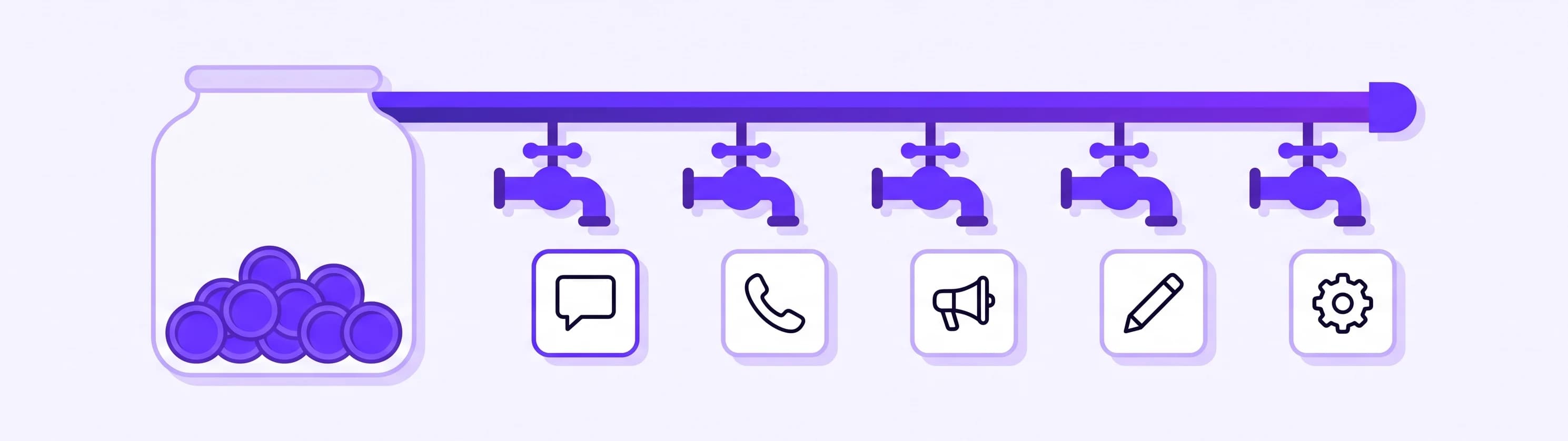
Wix's help page estimates how many Smart Chat actions each plan's credits cover. As of September 2026 it lists:
| Wix plan | Estimated Smart Chat actions per month |
|---|---|
| Free plan | Credits reset daily, up to 30 a day and 120 a month, for all AI tools |
| Light | Up to 150 |
| Core | Up to 200 |
| Business | Up to 300 |
| Business Elite | Up to 1,000 |
Wix adds that these numbers are estimates, not guarantees, that the cost of each action depends on its length and complexity, and that unused credits expire at the end of each monthly cycle (About AI Credits). Sites built with Wix Studio are the exception: Wix says they currently use AI features at no additional cost.
Two consequences follow for live chat:
- Your chat shares a budget with your other AI work. A month of AI-written marketing posts or answered phone calls leaves fewer credits for website visitors, and the other way round. Wix points this out itself: an AI chat conversation with a site visitor can use credits without you doing anything.
- When the credits run out, the chat goes offline. In Wix's words, "When you use up your AI credits, the Smart Chat switches to offline mode." You can then set the chat to Manual Chat 24/7 and answer everything yourself, or upgrade your plan for more credits.
On a quiet site with a few questions a week, that may be plenty. If your chat is busy, or your evenings are when people ask, plan for the day the meter reaches zero.
Your options for live chat on Wix
There are four realistic setups for live chat for Wix sites today. Each one is right for somebody.
| Option | Who answers at 23:00 | What it costs | Best for |
|---|---|---|---|
| Smart Chat, manual chat | You, if you are online | Free | Owners who want a human-only chat and can cover the hours |
| Smart Chat, AI chat | Wix's AI, from your site content | AI credits from your Wix plan, offline when they run out | Light chat volume on a Premium plan |
| A live chat app from the App Market | You or your team | Set by each app | Teams that staff the chat in shifts |
| An AI agent app with live takeover | An AI agent that answers from your content and works with your Wix apps, with you stepping in when online | Its own monthly AI allowance, billed through your Wix account | Owners who want answers, bookings, orders and leads around the clock, and a person when it matters |
If you want a human-only chat and have the hours to staff it, Smart Chat's manual chat is free and perfectly good. The last row is what we build, so here is exactly what it does on a Wix site.
What an AI agent can do on a Wix site
An AI agent differs from an AI chat in one important way: it does not only answer from your pages, it works with the Wix apps you already run. When you install Ultimo Bots, it checks which Wix apps your site uses and switches on the matching skills, all ticked by default.
- Wix Bookings. A visitor asks what you offer and when you are free. The agent lists your bookable services with duration and price, shows the open times for the one they pick, and hands them your booking page with that day already selected, where they finish the booking in your normal Wix flow.
- Wix Stores. "Do you have this in blue, under 80 dollars?" gets real products from your live catalog, with name, price, stock and link, shown as cards the visitor can click.
- Orders. "Where is my order?" is answered after the visitor confirms their email with a one-time code, so they only ever see their own orders: the status, and the carrier and tracking link once it has shipped.
- Wix Restaurants. Menu questions answered with your real dishes and prices, and table reservations made once the guest confirms date, time and party size.
- Events and pricing plans. Upcoming events with ticket prices and a link to the event page, and your membership plans explained with what each one includes.
- Wix Contacts. Interested visitors are saved to your Wix contacts and appear as leads in your Ultimo Bots inbox, and you are notified right away, with the whole conversation saved alongside the lead.
The answers come from your site and from anything else you add: files, question and answer pairs, Google Drive, OneDrive, Notion and your Wix CMS collections, all managed in one knowledge base.
The same agent does not stop at the website either. It answers on a shareable chat link, Facebook Messenger, Instagram DMs, Telegram and Slack from the same knowledge, and through app actions it can pass what it collects to HubSpot, Mailchimp or a Zapier, Make or n8n workflow. A quote request at 23:00 becomes a CRM record and a task before you wake up. Make and n8n can also send a result back into the conversation, while Zapier only receives the data.
How the live takeover works, online or offline
This is the live chat part, and it is included on every plan. Full details are on the live chat page.
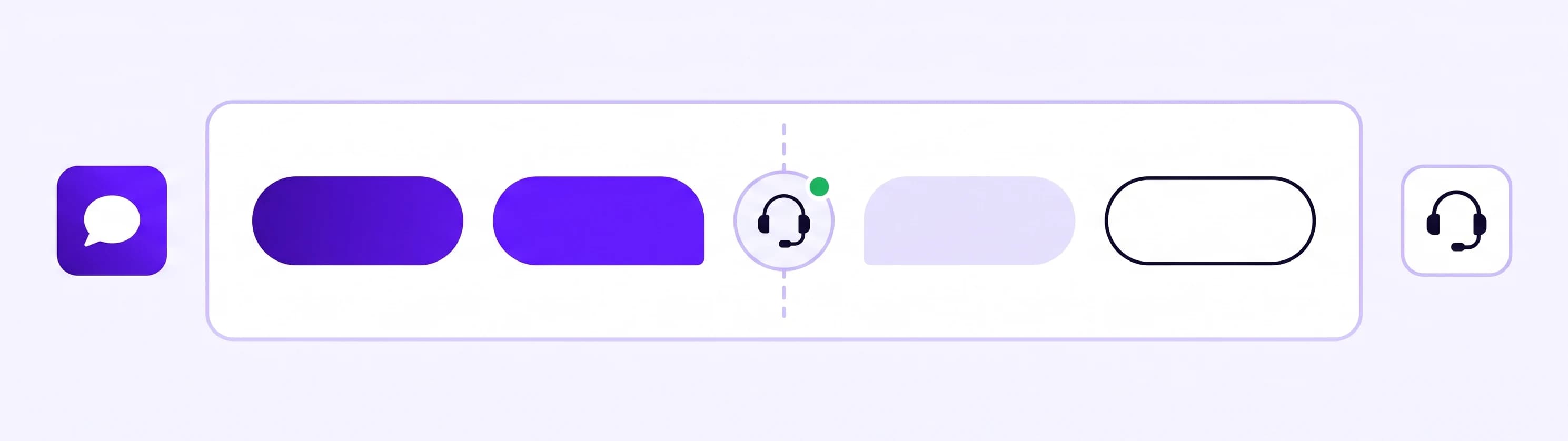
You decide when you are available. Switch yourself online in the dashboard, or set weekly hours in your own time zone. While at least one person on your team is online, visitors see a Talk to a human button in the chat. When nobody is, the button stays hidden and the AI keeps answering, and it can take the visitor's name and email so you can follow up.
The AI can hand over on its own. When a visitor asks for a person, the agent calls you in right away instead of searching the knowledge base first. And when a question goes beyond what the agent knows, it offers to bring you in and hands over as soon as the visitor says yes.
You hear about it wherever you are. A handover request reaches you by email, Slack, Microsoft Teams, Telegram or in the dashboard, each with a link that opens that exact conversation. From Telegram you are even signed in when you tap it.
You take over the same conversation. You join from the inbox and see everything the visitor and the agent have said so far. From that moment the AI stops replying, and the visitor keeps chatting in the same window with your name and avatar. On the Boost and Ultimo plans the agent drafts a suggested reply you can send or edit, and on every paid plan you can translate either side of the conversation. When you leave, the agent takes over again.
If you do not make it in time, the request times out after a delay you choose, the visitor sees your offline message, and the agent carries on, including collecting their contact details so you can follow up.
Your own replies never count against the AI allowance. Only AI answers do.
Take over only when it matters
Set up Wix live chat with an AI agent in ten minutes
The whole setup runs from your Wix dashboard, with no code and no snippet to paste.
- Add the app. Open the listing from any button on this page (in the App Market it is called "AI Chatbot & Support Agent"), click Add to Site and approve the permissions Wix asks for.
- Create your account. Your Wix email is already filled in.
- Point it at your content. Your site address is filled in, and you can add documents. The agent is built straight away and learns your pages in the background, while it shows you which Wix apps it found and which skills it will switch on.
- Match your design. Header, welcome message, colors and launcher icon, with a live preview.
- Test it. Ask the five questions you answer every week, including one about a booking or an order.
- Choose your notifications. New chats, handover requests and new leads, in the dashboard and by email. Slack, Teams and Telegram can be added afterwards.
- Pick a plan, or continue on the free plan. The agent is already live on your site.
Afterwards, set your live chat hours and offline message. Everything the Wix app does is on the Wix app page. If you are comparing several AI apps first, our guide to AI chat apps for Wix has a five-minute test you can run on any of them.
What Wix live chat costs with an AI agent
On Wix you pay for the app through your Wix account, like any App Market app. The plans are about the AI budget, not seats, and live chat is part of every one of them. As listed on the Wix App Market on 27 September 2026:
| Plan | AI responses | Knowledge sources | Live chat handover |
|---|---|---|---|
| Free | 20, one-time | 50 | Included |
| Smart | 500 a month | 200 | Included |
| Boost | 2,000 a month | 1,000 | Included |
| Ultimo | 10,000 a month | 10,000 | Included |
The listing shows the monthly and yearly price in your own currency, so check it there. In the setup, each paid plan starts with a 7-day free trial, and the free plan lets you try it on your own site first.
Wix counts estimated actions and we count individual AI replies, so the two sets of numbers are not directly comparable. Three differences matter more than the numbers:
- The budget belongs to your agent. Only its answers draw on it, on every channel, so a busy month for your Wix marketing tools takes no answers away from visitors.
- You hear about it before it runs out. You get a heads-up at 80% of the allowance, a threshold you can change, and on a paid plan you can buy an extra message pack by card, separately from your Wix bill, without changing plans. Like any AI budget it does end: when it is used up, the agent pauses until you upgrade, add a pack or the next month begins, which is why the early warning matters.
- Your own replies are free. Only AI answers count, so every conversation you take over costs nothing extra.
The simplest test is the one that costs nothing: install it, ask your own five questions, and check the inbox the next morning for the conversations that happened while you were asleep.