

A lead generation chatbot turns website visitors into contacts you can follow up with: it starts a conversation, answers real questions, and collects a name and email along the way. What has changed is how you get one. Most guides still teach you to draw a qualification flow out of buttons and branches, but an AI agent that has read your website does the same job in natural conversation, with nothing to script and nothing to maintain. This guide covers how that works, what a captured lead actually looks like, how it reaches your CRM without retyping, and what it costs.
Ultimo Bots is an AI agent that generates leads for any website: it answers visitor questions from your own content around the clock, collects and qualifies contact details in natural conversation on your site, Messenger, Instagram, Telegram and Slack, notifies you the moment a lead arrives, and sends every lead to your CRM or spreadsheet through Zapier, Make or n8n.
Capture leads without a flow builder
What a lead generation chatbot does in 2026
Strip away the category jargon and the job is simple: catch the interest you already paid for. Someone comparing providers at 22:00 is not going to fill in your contact form, but they will ask a question if something answers back. A chatbot for lead generation exists to have that conversation and to make sure it ends with a name and an email instead of a closed tab.
The word covers two very different products now, and the difference decides whether the whole thing works. The classic lead gen chatbot is a scripted flow: "Hi! Would you like to know more? Yes / No", then buttons, then a form split across five bubbles. Visitors recognize the pattern and treat it like an interrogation, because it is one. The other kind, usually sold as an AI chatbot for lead generation, is an AI agent that has read your website. It answers the visitor's actual questions, about your prices, your service area, your delivery times, and asks for contact details at the moment the conversation earns them.
Almost everything written about this topic is aimed at sales teams with reps waiting behind the chat, or at people willing to spend a weekend in a flow editor. If you run a small business, you need neither. You need the after-hours enquiry to arrive in your inbox as a contact with a question attached.
Why you no longer need to build a qualification flow
Flow builders made sense when software could not hold a conversation. You mapped every question, every answer option, every branch, and the bot walked visitors through your map. The maintenance was the hidden cost: every new product, price change or edge case meant editing the tree, and every visitor who asked something the tree did not cover hit a dead end.
An AI agent inverts this. It learns your business from your website, files and connected sources, so the conversation is grounded in what you actually offer. Lead qualification stops being a quiz and becomes a byproduct of a useful exchange: the visitor asks about pricing for 20 users, mentions their timeline, names their company. Those answers are the qualification. This is what vendors have started selling as AI lead qualification, and the label is accurate: the model does the qualifying, not a branching script you have to maintain.
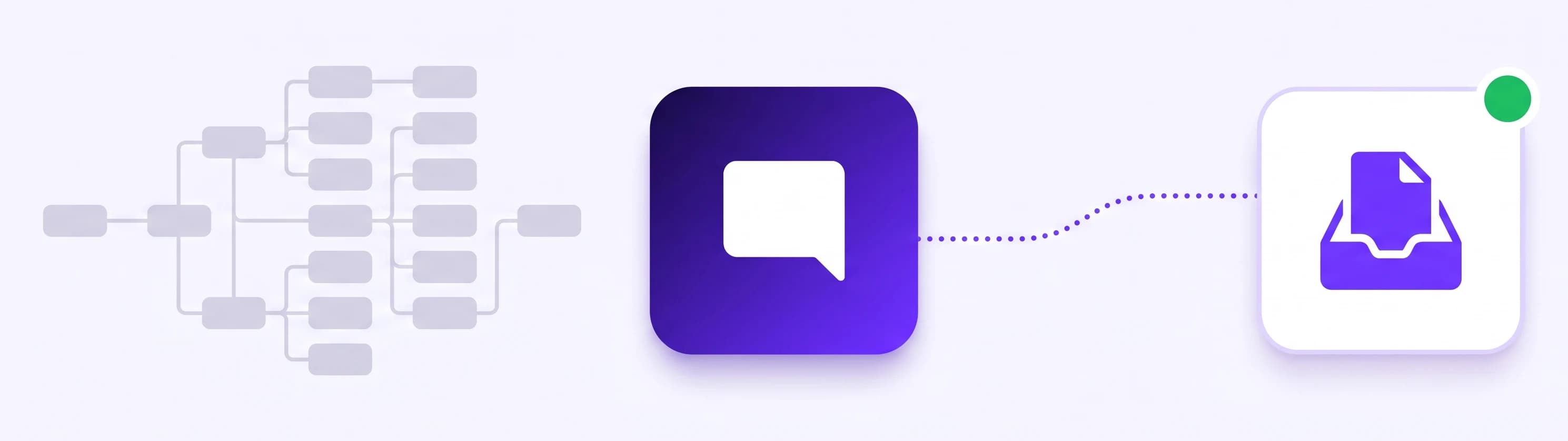
You still stay in control of what gets collected. You state it in plain words, for example "always collect a name and email before sharing a quote", and the requirement is enforced: the agent will not run the capture step until the visitor has actually provided the details. Add any custom field the same way, whether that is company name, budget range or project timeline, and it becomes part of every captured lead.
What you actually receive when a lead is captured
Here is a concrete lead generation chatbot example, the shape of conversation this approach produces:
Visitor: Do you install heat pumps in the Bern area?
Agent: Yes, we cover the whole canton of Bern. Installation usually takes two to three days depending on the system. Are you replacing an existing heating system or planning a new build?
Visitor: Replacing an oil heater in a two-family house.
Agent: That is our most common project type. I can have our team prepare a rough estimate. May I have your name and email so we can send it over?
Visitor: Daniel Furrer, d.furrer@example.ch
What lands on your side is more than an email address. The lead arrives with every detail the agent collected, the full conversation transcript for context, and it is waiting in one inbox with read and unread states, date filters and an Excel export. You are notified the moment it happens: an email immediately at capture, and optionally a message in Slack, Microsoft Teams or Telegram.
One detail matters more than any feature list: the agent never invents contact details. A value only becomes part of a lead if the visitor actually typed it in the conversation, and required fields stay required, so an incomplete or made-up lead cannot reach your inbox. If you prefer to ask before the chat starts, a short pre-chat form can collect the essentials up front instead.
From chat to CRM without retyping anything
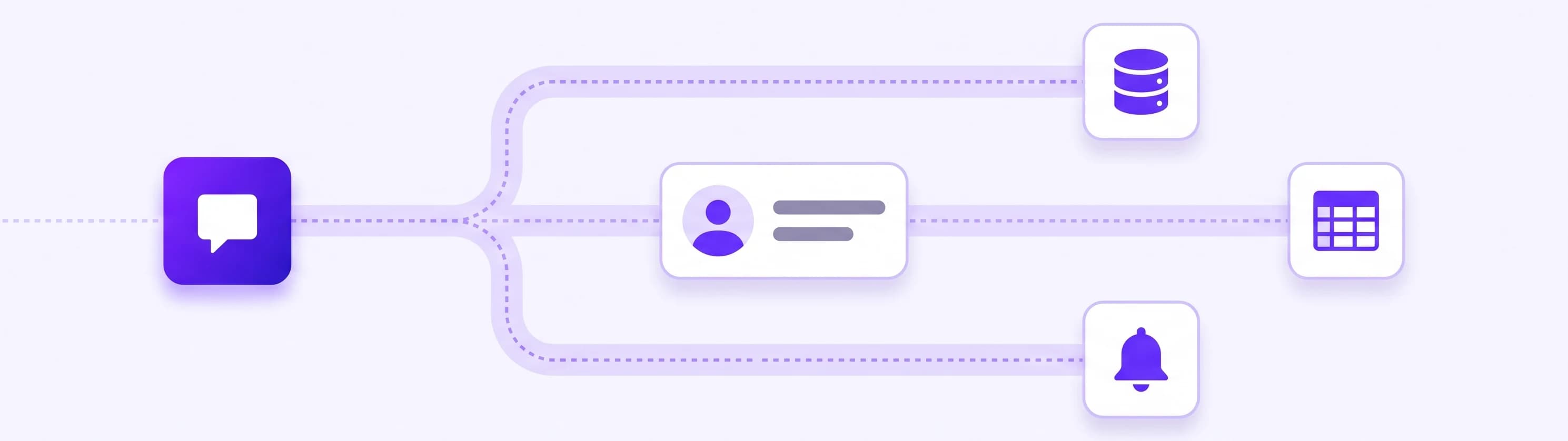
Capturing the lead is half the job. The other half is what you used to do by hand afterwards: copy the details into the CRM, create the follow-up task, send the confirmation. Through app actions, the agent sends what it collected as structured data to a Zapier, Make or n8n webhook, and your workflow takes it from there.
What that looks like in practice:
- A quote request arrives at 23:00. The workflow creates the CRM record, opens the internal task and sends the customer a confirmation before you wake up.
- A callback request becomes an assigned ticket, and the visitor is told when to expect the call.
- Every new lead is appended to a spreadsheet and posted to your team channel, so nobody re-types anything.
- With Make or n8n, your workflow can also send a result back into the running conversation, for example whether an address is inside your service area. Zapier is send-only: it receives the lead reliably but cannot answer back, so choose Make or n8n when the visitor should get a response out of your systems.
For the most common destinations you do not need a workflow at all: the agent can create a HubSpot contact or subscribe a visitor to a Mailchimp audience directly.
Can you use AI for lead generation?
Yes, and the practical case is stronger than the buzzword suggests. AI adds three things a scripted bot and a static form cannot. First, availability: evenings and weekends are when people compare providers, and an agent that answers well at 23:00 captures interest that otherwise disappears. Second, quality: because the agent answers real questions before asking for anything, the leads that do arrive come with context and intent, not just an address. Third, reach: the same agent, with the same knowledge, holds conversations on your website, on a shareable chat link, and in Facebook Messenger, Instagram DMs, Telegram and Slack, with every captured lead landing in the same inbox.
And when a conversation deserves a human, it gets one: the visitor can reach you through live chat in the same window, and a lead with a transcript is waiting even if you were asleep when the conversation happened.
How to set up a lead generation chatbot in an hour
The setup is shorter than most people expect, because there is no flow to draw:
- Point the agent at your content. Enter your website address so it reads your pages, then add files or connected sources like Google Drive, OneDrive or Notion for anything not published. Details in the knowledge base.
- Check the default capture. Lead capture works out of the box, asking for a name and email at the natural moment. Test it by asking the questions your customers ask.
- Say what a useful lead means to you. In the AI Studio, describe it in plain words: which fields to collect, which of them are required, and when the agent should ask.
- Choose where notifications land. Email is on by default; add Slack, Teams or Telegram if that is where you live.
- Connect one workflow. Send captured leads to your CRM or spreadsheet through Zapier, Make or n8n. One flow is enough to start.
- Put it where your customers are. Your website first, then the messaging channels you actually use.
The best chatbot for lead generation, whatever tool you pick, is the one whose answers you have actually tested against your real customer questions. Spend the last fifteen minutes of the hour doing exactly that.
What a lead generation chatbot costs
Tools built for sales teams tend to price per seat, per conversation or per qualified lead, which makes the monthly bill a function of your traffic. Flat message-volume pricing is more predictable:
| Plan | Monthly price | What is included |
|---|---|---|
| Smart | $29 (or $19 on yearly billing) | 500 messages, 200 content sources |
| Boost | $59 (or $39 on yearly billing) | 2,000 messages, 1,000 sources, monthly content rescan, branding removal |
| Ultimo | $149 (or $99 on yearly billing) | 10,000 messages, 10,000 sources, daily content rescan |
Lead capture is included on every plan, and every plan starts with a 7-day free trial. Details on the pricing page.
How to tell whether it is working
Three signals, checkable after the first month.
Leads that arrived outside your hours. Count them. These are contacts you simply did not have before, and they are the clearest measure of what the agent added.
How complete the leads are. If your custom fields come back filled, the qualification is working. If visitors consistently drop off at a particular question, that question needs a better reason or a later moment.
What people asked before leaving their details. The transcripts are the underrated part: they tell you which objection keeps coming up and which page fails to answer it. That usually improves your website as much as your lead flow.
If the overnight leads are real, the fields are filled and the transcripts read like conversations rather than interrogations, your lead generation chatbot is doing exactly what the flow builders promised and rarely delivered.