

AI agents for business are software that does not only answer a question but decides what to do about it: it reads your own information, works out what the person in front of it needs, and then takes the next step. Almost every guide on the subject hands you a list of platforms for assembling a team of them. This one argues the opposite, because for most businesses one agent carries nearly all of the value for a long time, and it is the one talking to customers. Here is what that agent does, how to get it live in an afternoon, and what it costs.
Ultimo Bots is an AI agent for any business with a website: it answers from your own content around the clock on your site, Messenger, Instagram, Telegram and Slack, captures and qualifies leads, shares booking links, looks up orders, hands over to a human in the same window, and connects to Zapier, Make or n8n so the work behind an answer runs on its own.
What AI agents for business actually do today
The word agent is doing a lot of work in this market, so it is worth being precise. A scripted assistant follows a decision tree somebody drew: buttons, branches, and a dead end the moment a question falls outside it. An AI agent reasons. It reads what you gave it, decides which of its abilities fits the situation, and can chain several steps together to finish a job rather than producing one reply and stopping.
In practice that difference shows up as three things. The agent answers from your real information instead of a script. It can act, by collecting details, looking something up in a connected system, or sharing the right link at the right moment. And it recovers when a conversation goes sideways, because someone who asks about delivery halfway through booking an appointment is normal, not an error.
That is the capability. The harder question is what to point it at.
Start with one agent, not an agent team
Search this topic and you will find rankings of the best AI agents for business, agent marketplaces, and framework comparisons, all built on the same assumption: that you are going to design a fleet of specialist agents and orchestrate them. If you run a software team, that assumption may hold. If you run a business, it usually does not, and it is the reason so many of these projects never reach a customer.
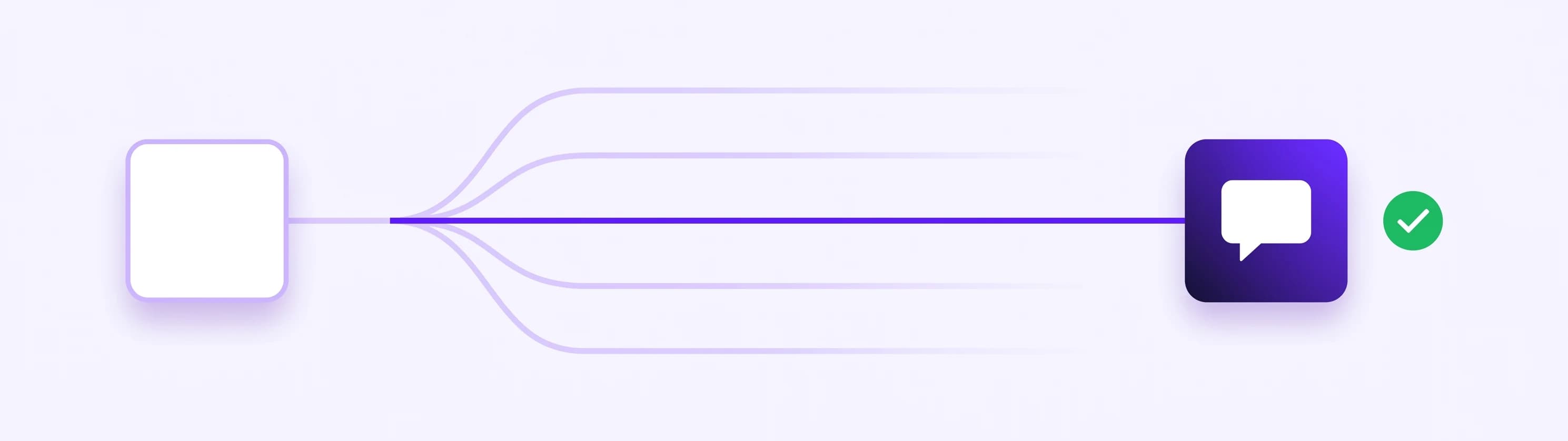
The useful order is the reverse. Pick the single job where work already arrives at your door unattended, automate that one properly, and only then look at the second. For the overwhelming majority of businesses that first job is the same: the stream of questions coming from your own website and your messaging channels, which arrives at all hours, is highly repetitive, and quietly decides whether an interested visitor becomes a customer.
It is also the job with the shortest path to a result. There is nothing to design and nothing to orchestrate. The agent reads what you have already published, and it is useful on the first afternoon.
What can an AI agent do for my business?
Concretely, one customer-facing agent covers this much:
- Answer the questions you have answered a hundred times. Opening hours, pricing, what is included, delivery areas, cancellation terms, whether you serve a given region. This is most of the volume for most businesses.
- Reply when you are not there. Evenings and weekends are when people compare providers. A real answer at 22:00 keeps the conversation alive instead of losing it to whoever replied first.
- Capture and qualify a lead in conversation. Name, email, what they need and when, gathered while helping rather than behind a form, and the notification reaches you by email the moment it is captured, with the transcript attached.
- Actually do the thing, not just describe it. This is the whole difference between an agent and a help page that talks back, and it is the part most people do not realise is available yet. It shares your booking link when someone asks for an appointment, hands over a payment or checkout link, builds a ready-to-pay cart out of what a shopper described, adds someone to your mailing list, creates the contact in your CRM, and posts the finished enquiry into a workflow that completes the rest. The visitor asks for something, and something moves in your systems.
- Look something up. With a connected store or system, the agent can answer order and delivery questions directly. Anything touching a specific customer's private data is protected: the visitor confirms a one-time code sent to their email first, so they can only ever see their own records.
- Answer in the customer's language. The reply language is worked out per message, so a visitor writing in German gets German without you configuring anything.
- Hand over to you. A visitor can ask for a person at any point and reach one in the same window, and the agent passes the conversation over on its own when a question needs judgment.
That last one deserves its own sentence, because it is what people quietly fear about this category. Automation with no exit turns a mildly annoyed customer into a former one. Treating the handoff as a feature rather than a fallback is what makes the rest of it acceptable to customers, and it is why the AI and the live chat are one product here rather than two tools bolted together.
Two examples of what this looks like in a real business.
A plumbing or electrical firm. Most enquiries land in the evening, and a good share of them are outside the service area, so the owner burns time on jobs that were never possible. The agent answers what the firm covers and what a callout costs from the pages that already say so, collects the address, the job and a phone number, and passes that to a workflow that checks the postcode against the service area and answers inside the same conversation, with either a booking link or an honest no. The jobs that do qualify arrive by email with the whole conversation attached, so the first call is already an informed one.
A small online store. Two questions never stop: where is my order, and do you have this in my size. With a connected store the agent finds the product from a vague description with the real price and stock, quotes the actual returns window instead of guessing, and can put the item straight into a cart the shopper can pay for. For an order lookup it asks the shopper to confirm a one-time code sent to their email first, so nobody ever sees somebody else's order.
From answering to actually doing the work
Answering is the visible half. The half that eats your week is what happens afterwards: copying details into a CRM, creating the task, sending the confirmation, telling a colleague.
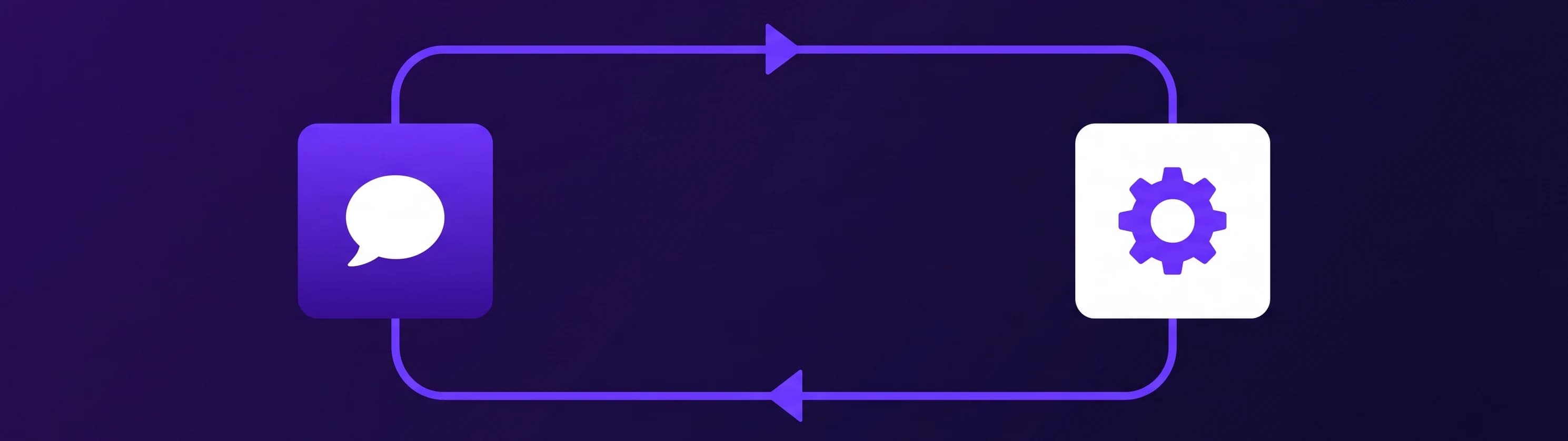
This is where an agent stops being a chat window. What it collects goes into the tools you already run, HubSpot and Mailchimp directly, and through a Zapier, Make or n8n webhook practically any routine flow you handle by hand today. Four that earn their keep immediately:
- A quote request arrives at 23:00. Your workflow creates the CRM record, the internal task and the customer's confirmation mail before you are awake.
- A callback request becomes a ticket in your system, already tagged and assigned, with the customer told when to expect the call.
- A repeat enquiry lands in a spreadsheet and in your team channel, so nobody re-types anything.
- With Make or n8n the workflow can answer back inside the same conversation, so your own rules decide whether an address is in your service area or a job qualifies for the express slot, and the agent tells the customer straight away. Zapier receives the data but cannot return a result, so reach for Make or n8n when the answer has to come back out of your systems.
This is the part people mean by AI agents for business automation, and it is worth noticing how small the setup is. You are not modelling your operations. You are sending one well-formed enquiry into one workflow you already know how to build, through app actions.
The same agent also works past your website: a shareable chat link for email signatures and QR codes, plus Facebook Messenger, Instagram DMs, Telegram and Slack, all from one knowledge base and one shared inbox.
How to put your first AI agent live in an afternoon
No project plan required. The realistic sequence:
- Write down your twelve questions. The ones you answer every week. That list is the entire brief.
- Point the agent at your content. Enter your website address so it reads your pages, then add files, question and answer pairs, or connected sources like Google Drive, OneDrive and Notion for anything unpublished. Details on the knowledge base.
- Ask it your twelve questions. Every vague or wrong answer is a gap you close once, and it stays closed. Skipping this step is the single most common reason an agent gets routed around.
- Decide what to collect. Which details make an enquiry useful to you, and where the notification should land.
- Set the handoff. Make sure a visitor can reach a person, and that you know when they ask.
- Automate exactly one flow. The request you currently handle most by hand. One is enough, and a second is easier once the first works.
- Put it where your customers are. Website first, then whichever messaging channels you actually read.
An afternoon covers all seven, on any website, whichever builder or stack it runs on.
Put your agent live this afternoon
How much do AI agents cost?
This is where the market splits hard, and it is the most useful thing to understand before shortlisting anything. Enterprise agent platforms price per user seat or per resolved conversation, and the build-your-own platforms charge for the runs your workflows consume, which is difficult to forecast before you have built anything. Tools aimed at smaller businesses price by message volume instead, which you can predict from day one:
| Plan | Monthly price | What is included |
|---|---|---|
| Smart | $29 (or $19 on yearly billing) | 500 messages, 200 content sources |
| Boost | $59 (or $39 on yearly billing) | 2,000 messages, 1,000 sources, monthly content rescan, branding removal |
| Ultimo | $149 (or $99 on yearly billing) | 10,000 messages, 10,000 sources, daily content rescan |
Every plan starts with a 7-day free trial and can be cancelled anytime, and the full breakdown is on the pricing page. When you compare the best AI agents for small business on price, check what the meter actually counts, because a per-resolution price looks cheap next to a subscription right up until the month your traffic doubles.
How to tell whether your agent is working
Three signals, in order of usefulness, and all three are checkable a month in.
Enquiries you would not otherwise have had. Count the captured contacts that arrived outside your working hours. None of those would have reached you, which makes this the cleanest measure of what the agent added.
Questions that stopped reaching you. Read through the conversations and count how many finished without you. If your twelve questions dominate that list, it is doing its job.
What people actually ask. The underrated one. A month of transcripts tells you which page is unclear, which objection keeps recurring, and which question you never thought to answer on your site. It is the cheapest customer research available, and it usually improves the website as much as the support.
If after a month enquiries are arriving overnight, the familiar questions are handled without you, and you have a short list of things to fix on your site, the first agent has paid for itself. That is a realistic outcome for one afternoon of setup, and it is a far better starting point than a fleet of agents that never met a customer.