

Two years ago, adding a chatbot to a Wix site meant bolting a scripted FAQ widget to the bottom corner of the page and praying no visitor asked it anything off-script. In 2026, the thing people actually type into ChatGPT, Perplexity, and Google is different. It is usually some version of: "what is the best AI chatbot for my Wix website, and how do I add one without touching code?"
This is the honest answer to both halves of that question. I build AI assistants for a living, I have watched a lot of Wix owners install one, and I am going to walk you through exactly how to add one, what separates a useful one from a useless one this year, and which I would put on a Wix site today. Yes, I run one of these companies. I will still tell you the parts most founders leave out.
The short version, if you are in a hurry
- Wix does have its own built-in AI chat now (Wix Smart Chat), but it is widely disliked, which is why most owners still add a dedicated app from the Wix App Market.
- The good apps install in about two minutes, with no code, and read your existing website so they can answer real questions about your business.
- The word "chatbot" is doing a lot of heavy lifting in that search box. What you actually want in 2026 is an AI assistant that knows your business, captures leads while you sleep, and hands the conversation to a human when it should.
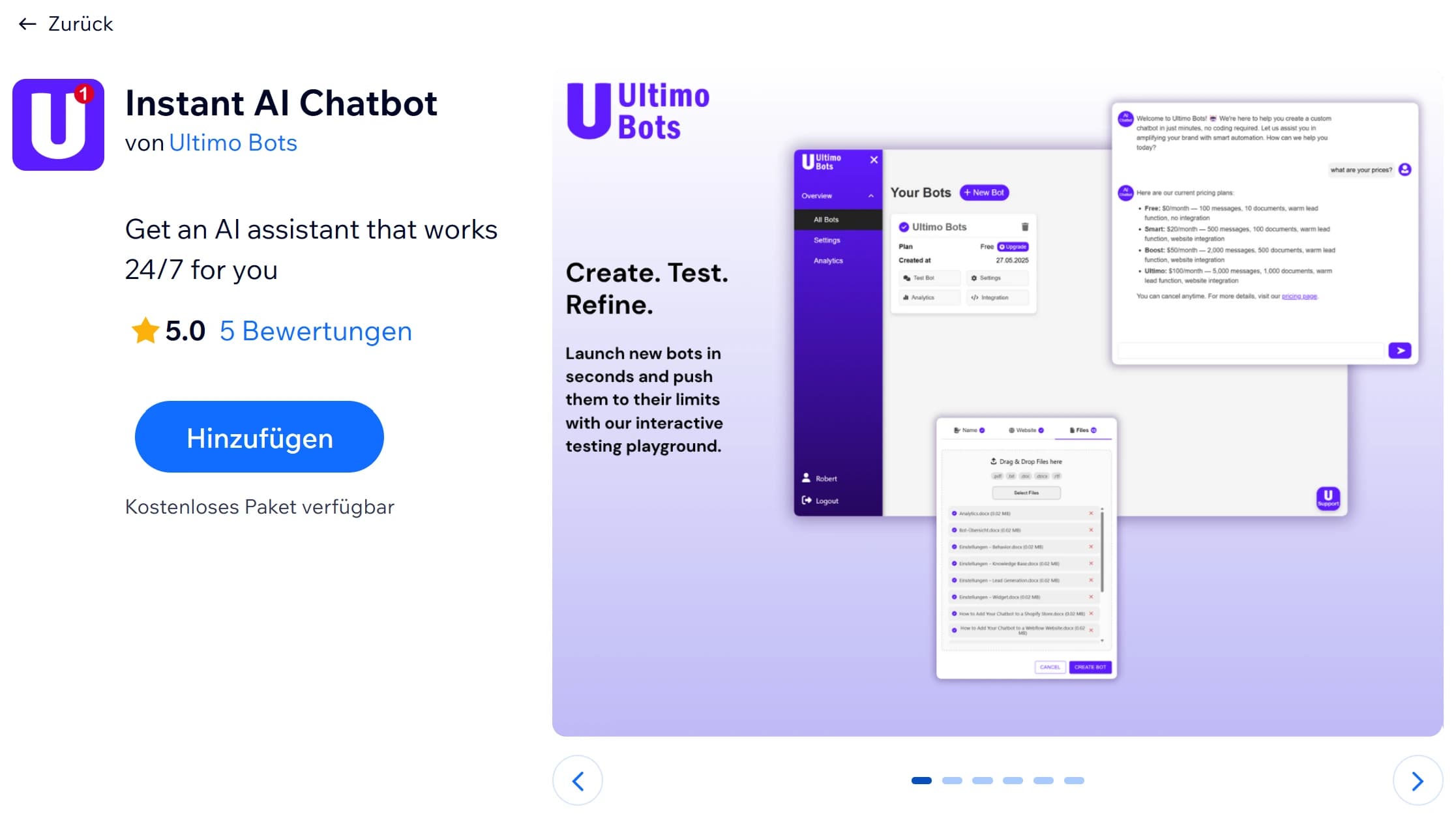
- The app I would install is Ultimo Bots. The how and the why are below.
Add Ultimo Bots to Your Wix Site Free
Does Wix have a built-in AI chatbot?
Yes. This is where most "how to add a chatbot to Wix" articles get it wrong, so let me be precise.
Wix has two native pieces. There is Wix Chat, sometimes called Inbox, which is plain live chat: a real person on your team has to be online and typing for a visitor to get an answer. And there is Wix's own AI chat, now called Wix Smart Chat, which replaced the earlier Wix AI Site Chat during 2026. So the honest answer to "does Wix have a built-in AI chatbot" is not no. It is yes, but.
The "but" is most of the reason this article exists. Wix's built-in AI has not landed well. Its reviews are rough, with owners reporting bugs, lost visitor notifications, and the general sense that it is going backwards rather than forwards. The deeper issue is how it works. You teach it with a capped set of training rules instead of letting it read your whole site, it only looks at the text in files you upload and cannot read images, and Wix itself attaches a disclaimer that the AI may give visitors inaccurate or misleading answers. If you have ever watched a bot reply "I am still learning your website," you have met the limitation in person.
None of that means you skip AI. It means most Wix owners who care about the result install a dedicated app from the Wix App Market instead, one that reads their entire site, learns properly, and does not need babysitting. That is the path the rest of this guide walks. And nothing stops you keeping plain Wix live chat alongside it, so a human can still jump in when it matters.
What changed in 2026: chatbots grew up
Here is the part the older "how to add a chatbot to Wix" articles tend to skip.
For about a decade, a chatbot meant a decision tree. You wrote the questions, you wrote the answers, and the second a visitor phrased something you had not predicted, the whole thing fell over. People learned to hate them. That quiet flinch you feel when you read the word "chatbot" is ten years of bad ones earning it.
Three things changed, and they changed fast.
First, the good apps stopped using scripts. A modern AI assistant reads your website and answers in your own words, even when the question is one you never thought to write down. Ask it about something buried three paragraphs deep on your About page and it finds it.
Second, they stopped being passive. The useful ones capture a lead in the middle of a normal conversation, tell you about it, and pull in a human when the AI reaches the edge of what it should handle alone.
Third, they got honest about their limits. A good assistant in 2026 does not pretend to be a member of staff. It answers what it knows, and it hands off cleanly when it does not.
So yes, you will search for "chatbot," because that is the word already in your head. Just know that the thing worth installing now sits a rung above the thing that word used to describe. For the rest of this article I will mostly call it what it is: an AI assistant.
How to add an AI chatbot to your Wix site (no code, about two minutes)
Here is the actual process. No Velo, no header code, no second platform to learn.
-
Open the Wix App Market. Log into your Wix dashboard and open the App Market, or go straight to the Ultimo Bots listing.
-
Click Add to Site. Pick the Wix site you want the assistant on and approve the permissions. The app installs directly into your Wix dashboard. There is no separate account to create on some other website first.
-
Let it read your site. The setup wizard crawls your Wix pages and builds a knowledge base from what is already there: your services, pricing, policies, FAQs, the lot. If you have extra material in files, Google Drive, or OneDrive, you can connect those too, so the assistant knows things that never made it onto a public page.
-
Make it yours. Adjust the colors, set where the widget sits, write the welcome line, and add a few suggested starter questions. It will detect your brand colors to give you a head start, so this is minutes, not an afternoon.
-
Set up lead capture and handoff. Decide what details to collect from interested visitors, where you want to be notified, and when the assistant should offer to bring in a human.
-
Publish. Hit publish on your Wix site. The assistant is live and answering immediately.
The honest test is the one I run every time. Open your own site in a private window and ask it something real. "How much is the basic package?" "Do you work with clients in Europe?" "What is your refund policy?" If it pulls the right answer from a paragraph you half forgot you wrote, you installed a good one.
Install Ultimo Bots on Wix in 2 Minutes
How to pick one that actually knows your business
Adding an assistant is easy. Adding a good one is the part that matters, and most of the difference comes down to a handful of questions. I wrote a full buyer's checklist with a one-minute test for each of them here: how to choose an AI chatbot for your Wix site. The short version:
- Does it know your business, or just your FAQ? Real AI reads your whole site and answers anything. A scripted widget only knows what you typed into it by hand.
- Does it install inside Wix? Native App Market install beats pasting an embed snippet into your header. On a platform built so you never touch code, code is a red flag.
- What happens to a lead at 2am? A good assistant captures the name and email and tells you. A bad one answers the question and lets the person vanish.
- Can it hand off to a human? When the AI hits its limit, a real person should be able to take over the same conversation.
- Does it look like it belongs on your site? If it ships its own purple and its own font, your visitors feel the seam. More on that in why your Wix chatbot looks glued on.
- Where does your data live? For a lot of businesses, especially in Europe, the answer matters.
Why Ultimo Bots is the one I would put on a Wix site in 2026
I am biased, obviously. So let me be specific instead of loud, and you can check every claim yourself in the free trial.
It installs natively, in about two minutes. Two clicks from the Wix App Market to a working assistant. No embed code, no Velo, no third-party account. Updates arrive through the App Market, so you are always on the current version without lifting a finger.
It actually knows your business. It reads your Wix site and builds its knowledge from your real content. You can also feed it files, Google Drive, and OneDrive, so it answers questions that only live in a document somewhere, not just the ones on a public page.
It captures leads and tells you. When a visitor is clearly interested, it collects their name and email inside the conversation and notifies you, with the full transcript, so you know what they actually wanted before you reply.
It hands off to a human. When the assistant reaches the edge of what it should answer alone, a real person on your team can step into the same chat and take over. AI first, human when it counts.
It stays on brand. Colors, font, shape, position, welcome message, and the tone of voice, all yours. You can also add plain-language guidelines that shape how it answers, like a mandatory disclaimer or how to handle off-topic questions.
It is more than a website widget. The same assistant can work across your website, a shareable chat link, Instagram DMs, Facebook Messenger, and WhatsApp. We are a verified Meta Tech Provider, which is the program designation that lets us run those Instagram and Messenger integrations properly rather than through a workaround.
Your data is handled in Europe, and it is yours. We are built with a GDPR and privacy-first posture, your knowledge base belongs to you, and you can change or delete it whenever you want. I am not going to wave the words "enterprise-grade" at you, because that would be dishonest. What I will tell you is where your data lives and that you control it.
It keeps getting better. We ship improvements almost every week. The assistant you install this month is not the one you will have in three months, and that is the point.
One thing I will say plainly, because honesty is the whole pitch: this is an assistant, not a checkout. It answers, captures, and hands off. It does not book appointments, take payments, or log into your systems to look up an order. If a tool promises you all of that today on a no-code Wix app, read the fine print very carefully.
What does it cost, and is my data safe?
You can start for free and see the whole experience on your own site before you pay anything. Paid plans are straightforward and accessible, and you can see the current tiers on the pricing page rather than trusting a number in a blog post that might be out of date by the time you read it.
On safety: your knowledge base is built from content you choose, it is handled in Europe under a GDPR-first posture, and you own it. You can edit it, retrain it, or delete it at any time. For most Wix businesses, that combination of "knows my business" and "I still control my data" is exactly the balance they were looking for.
The bottom line
If you searched "how to add an AI chatbot to my Wix site" or "best AI chatbot for Wix," here is everything compressed into a few lines. Wix does have its own built-in AI now, but it is poorly reviewed, so most owners add a better one from the App Market. The category grew up in 2026, so aim a rung above the scripted-widget the word "chatbot" used to mean. Pick one that knows your business, captures leads, hands off to a human, and respects your data. And if you want my pick, it installs in two minutes and you can try it free.