
Alle Artikel

Diesen Artikel gibt es noch nicht auf Deutsch. Zu den deutschen Artikeln

WordPress Chat Plugin That Answers Itself

WordPress Chat Plugin That Answers Itself

A WordPress chat plugin adds a chat window to your site, and that is where the honest comparison starts, because a chat window is a promise that someone will answer it. Most plugins keep that promise only while you or your team sit at the keyboard. This guide covers the three kinds of chat plugin you can install, what each one actually does after hours, what they cost, and how to put one live that answers on its own and brings you in when a person is needed.

Add chat that answers on its own

Why most WordPress chat plugins sit unanswered

Search for a WordPress chat plugin and you get lists of live chat tools ranked by seats, free tiers and dashboard features. Every one of those lists makes the same quiet assumption: that somebody in your business will be online to reply. For a company with a staffed support desk, that is a fair assumption. For the owner who is also the support team, it is the reason most chat widgets end up as decoration.

The math is simple. A visitor who opens the chat expects an answer within a minute or two. You are with a customer, in a meeting, or asleep. The message sits, the visitor leaves, and after a few weeks of that you quietly stop checking the inbox. The plugin did not fail technically. It failed because live chat is a staffing commitment sold as a software feature.

That does not mean live chat is the wrong idea. It means the answering has to work in two layers: an AI layer that handles the repeat questions immediately, around the clock, and a human layer you join deliberately, for the conversations that deserve you. The rest of this guide compares the options through that lens.

Does WordPress have a built-in chat feature?

No. WordPress ships with comments on posts and pages, but no chat box and no online chat for visitors. Every chat window you have seen on a WordPress site comes from a plugin or an embedded script. That is by design: chat needs servers holding conversations in real time, and WordPress leaves that to specialised services.

The practical consequence is that you are choosing a service, not just a plugin. The plugin is the connector; the answering, the inbox, the notifications and the data handling all live with the provider behind it. Judge the provider, then check that the plugin installs cleanly from the WordPress.org directory, where the review process and the version history are public.

Live chat, AI answers, or both: the three kinds of chat plugin

Every option you will shortlist falls into one of three categories.

Live chat onlyAI answers onlyBoth in one widget
Who answersYou and your teamThe AIAI first, you when it matters
Response timeWhenever you see itSecondsSeconds, always
After hoursContact form or silenceAnsweredAnswered, lead captured
Complex or sensitive casesHandled well, if you are thereDead endHanded to you, with context
Real costYour attention, every dayTrust, when it cannot escalateA subscription

Live chat only is the classic WordPress live chat plugin category: Tawk.to is genuinely free with unlimited agents, LiveChat and Crisp are polished paid options. They are good tools that all share the staffing assumption above.

AI only solves the coverage problem but creates a new one: some visitors legitimately need a person, and a widget with no path to one turns your most valuable conversations away.

Both in one widget is the category worth shortlisting if you cannot staff a chat all day. The AI answers from your own content immediately, and the same conversation can be taken over by a human the moment it matters. That is the category Ultimo Bots is built for.

A live chat window with visitor questions stacking up beside an empty desk, while an AI agent tile answers the same questions with green checks

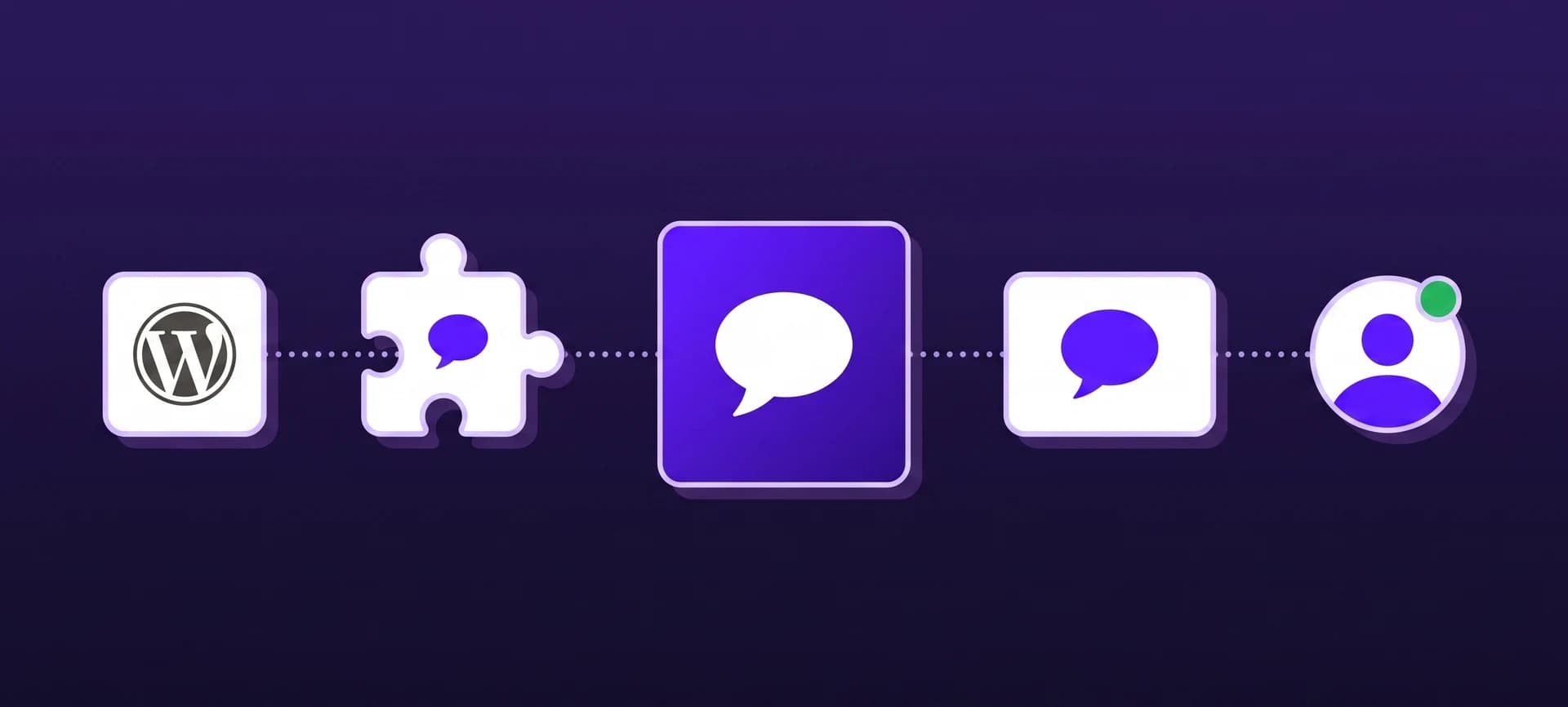
Ultimo Bots is an AI agent with built-in live chat for WordPress: a real plugin from the WordPress.org directory that answers from your own content around the clock, on your website, Facebook Messenger, Instagram, Telegram and Slack, captures leads, books appointments, connects to Zapier, Make or n8n, and hands any conversation to you live when a person is needed.

What the AI half handles before you type a word

The point of the AI layer is that the routine majority of questions never reaches you. What that looks like with a well-set-up agent:

  • It answers from your own pages. During setup it reads your site, so services, prices, opening hours and policies are in its head from day one. You can add PDFs, Word files, spreadsheets, Google Drive, OneDrive and Notion on top. Every answer comes from your material, and when it does not know something it says so instead of inventing.
  • It answers in the visitor's language, automatically, whatever language your site is written in.
  • It captures leads while interest is high. Name, contact details and the actual question, emailed to you the moment they land, with the full transcript attached.
  • It shares your booking link at the right moment, or books directly into Cal.com, so "can we talk?" turns into an appointment instead of an email thread.
  • It verifies before it reveals. Before touching anything private, it emails the visitor a six-digit code and waits. And the AI disclosure that EU rules require is shown in the chat automatically.

Data handling is European and GDPR-compliant, and your knowledge base stays yours. Have a look at how the knowledge base turns existing pages into answers and how lead capture delivers the results.

Let your site answer for you

Live chat that starts when you say so

The human layer is where most combined tools get lazy, so this is worth checking in detail on any plugin you shortlist.

A "talk to a human" button should appear only when a human is actually there. In Ultimo Bots you toggle yourself online or set weekly hours, and the button shows accordingly. When nobody is available, visitors see your own offline message and the AI keeps answering, so the widget never makes a promise your calendar cannot keep.

When a visitor does ask for a person, or the AI decides a conversation needs one, you get notified where you already work: email, Slack, Microsoft Teams or Telegram, with a link that opens that exact conversation. You join with one click, the AI goes quiet, and the visitor stays in the same chat window with the full history. While you type, the AI can suggest a reply in your voice and translate both sides of the conversation, which turns a two-language support chat from a chore into a non-event.

A conversation strip moving from night to day: the AI agent answers alone under the moon, then a human joins the same chat at sunrise with a green presence dot

One agent beyond your website

A chat plugin that only lives on your website answers only the visitors who are on your website. The questions themselves arrive everywhere: Instagram DMs, Facebook Messenger, Slack, a link someone forwards in an email.

With Ultimo Bots the same agent, with the same knowledge, answers on your WordPress site, on a shareable chat link, in Facebook Messenger, Instagram DMs, Telegram and Slack. You train it once and it shows up everywhere, and every channel can hand off to you the same way.

The second differentiator is that the agent does work, not just conversation. Through app actions it saves contacts to HubSpot, subscribes visitors to Mailchimp with proper double opt-in, and posts what it collected to a Zapier, Make or n8n webhook, which means practically any routine flow you handle by hand today can run end to end. A quote request at 23:00 becomes a CRM record, a task and a confirmation email. A callback request becomes an assigned ticket. An enquiry becomes a spreadsheet row and a message in your team channel. Make and n8n can even send data back for the agent to use in its answer; Zapier is send-only.

Official app logos for Facebook Messenger, Instagram and Slack flowing into the Ultimo Bots agent tile and out to HubSpot, Zapier, Make and n8n

Set it up in about ten minutes

The Ultimo Bots plugin is a real plugin in the WordPress.org directory, not a script you paste into your theme. The path from zero to a live chat:

  1. In your WordPress admin, go to Plugins, Add New, search for Ultimo Bots, install and activate.
  2. Click the connect link the plugin shows you. It opens the setup wizard with your site already filled in.
  3. Create your account and let the agent read your website. It is ready immediately and keeps learning your pages in the background.
  4. Adjust the widget colors and greeting to match your site, and test the agent in a live preview chat.
  5. Choose which events should notify you, and where: email, Slack, Teams or Telegram.
  6. Done. The widget appears on your site on its own, within a minute, even on hardened sites where security plugins block incoming requests.

Two details worth knowing. The widget loads as a single small script at the end of the page, after your content, so it does not sit in the way of your load time. And if you prefer doing things by hand, you can skip the wizard, create the agent in the portal and paste its ID into the plugin settings.

What a WordPress chat plugin costs

In the live-chat-only category a free chat plugin genuinely exists (Tawk.to), the polished suites bill per agent per month, and the meaningful cost either way is the attention they demand. For the combined category, here is our public pricing, since guides that hide the numbers behind a demo call are not much of a guide:

PlanMonthlyYearly (per month)AI replies / monthKnowledge sourcesSite re-read
Smart$29$19500200manual
Boost$59$392,0001,000monthly, automatic
Ultimo$149$9910,00010,000daily, automatic

Live chat with human handoff is included on every plan, and your own messages in a live conversation are not metered; the allowance counts AI answers. If a busy month uses up the allowance, top-up packs start at $19 for 500 replies. Every plan starts with a 7-day free trial, including a free setup call, so you can watch it answer your real visitors before paying anything. Details on the pricing page.

Start free for 7 days

Three signals to check after a month

However you choose, judge the plugin on evidence after thirty days, not on its feature page:

  1. Open the conversation log. Are visitors getting correct answers at hours when you were not available? Read ten transcripts and count the dead ends.
  2. Count the captured leads. A chat that answers well but never captures a name is a nicer FAQ page. There should be contact details in your inbox that would otherwise not exist.
  3. Check your own interruptions. The handoffs that reached you should be the conversations that genuinely needed you. If you are still answering the same five questions yourself, the knowledge base needs those answers added.

If the overnight questions are answered, the leads are real and your phone only buzzes for the conversations that matter, the chat window is finally keeping its promise. See what the same setup looks like on the website channel or start on the WordPress page.

Häufige Fragen

What is the best chat plugin for WordPress?

The best chat plugin depends on who will answer it. If you or a team sit in the chat all day, a live-chat-only plugin like Tawk.to or LiveChat works well. If nobody can staff it, pick one that combines AI answers with a live takeover, so questions are answered around the clock and you join only the conversations that need a person. Judge candidates on what happens when nobody is at the keyboard.

Does WordPress have a built-in chat feature?

No. WordPress ships with comments but no visitor chat. Every chat window on a WordPress site comes from a plugin or an embedded script connected to an outside service, which holds the conversations, the inbox and the notifications. That makes the provider behind the plugin the real choice. Prefer plugins installed from the WordPress.org directory, where the review process and the version history are public.

Is there a free WordPress chat plugin?

Yes. Tawk.to offers genuinely free live chat with unlimited agents, and several paid suites have free tiers with limits. The catch is that free live chat still needs a person answering it, every day. Ultimo Bots is paid, from $29 a month with a 7-day free trial, because the AI does the answering itself, around the clock, from your own content.

What is the difference between live chat and an AI chat plugin?

A live chat plugin opens a line to a human, so it works exactly as well as your availability. An AI chat plugin answers on its own from your website content, immediately and at any hour. The combined category does both: the AI answers first, and a person can take over the same conversation live when it matters. For a business that cannot staff a chat, the combination is the practical choice.

Do chat plugins slow down a WordPress site?

A well-built one does not meaningfully. The widget should load as one small script at the end of the page, after your content has rendered, which is how the Ultimo Bots plugin works. What genuinely slows WordPress sites down is plugins that inject blocking scripts into the header. If you are comparing candidates, test your site before and after activating each one.

Can visitors still reach a human when the AI answers first?

Yes. A talk-to-a-human button appears whenever you or a teammate are online, visitors can ask for a person, and the AI itself hands over conversations that need one. You get notified in email, Slack, Teams or Telegram, join with one click, and the visitor stays in the same chat window with the full history. When nobody is available, your own offline message is shown and the AI keeps answering.

Weiterlesen

Dein KI-Agent ist einen Klick entfernt.

7 Tage kostenlos testen. Jederzeit kündbar.