Core KPIs at a glance
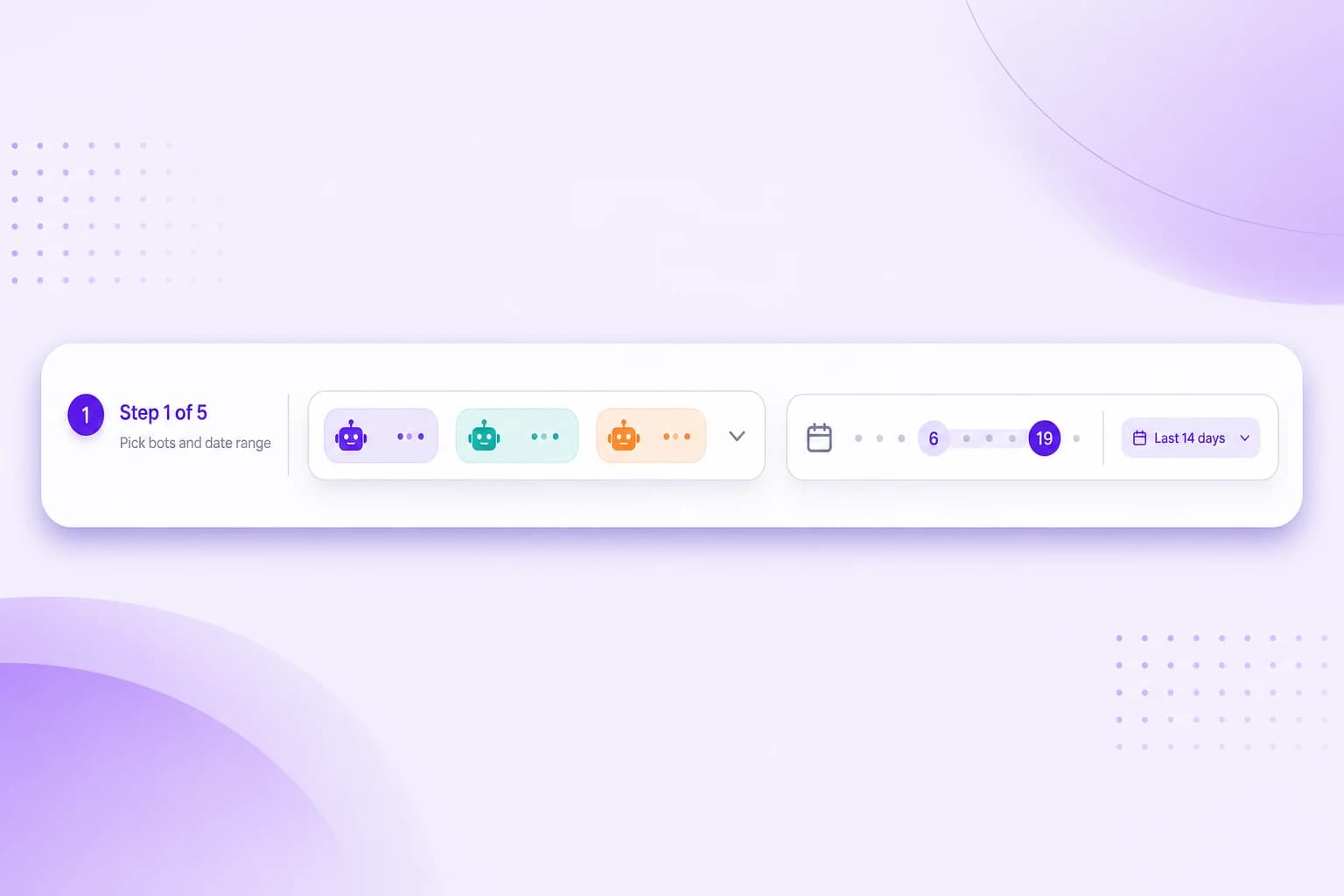
Sessions, messages, average length and bot response time. Filter by date range, slice by bot. Know how your assistant is performing in seconds.

Sessions, messages and response times in a clean dashboard. Full transcripts you can actually read. An interactive country map. Scheduled reports straight to your inbox.
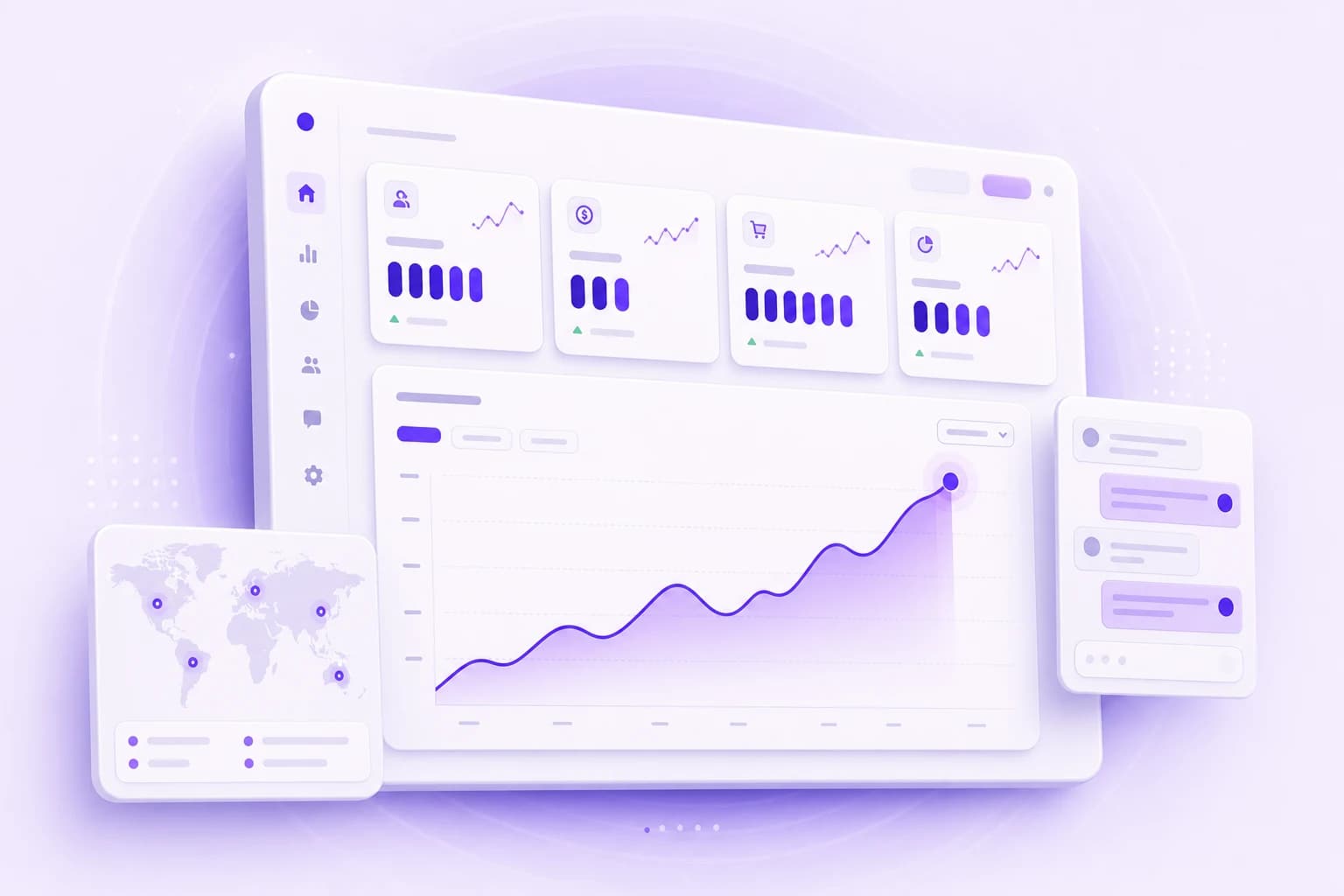
Three views designed to answer the questions that actually matter: how busy is the bot, how good is it, and where is the demand?
Sessions, messages, average length and bot response time. Filter by date range, slice by bot. Know how your assistant is performing in seconds.
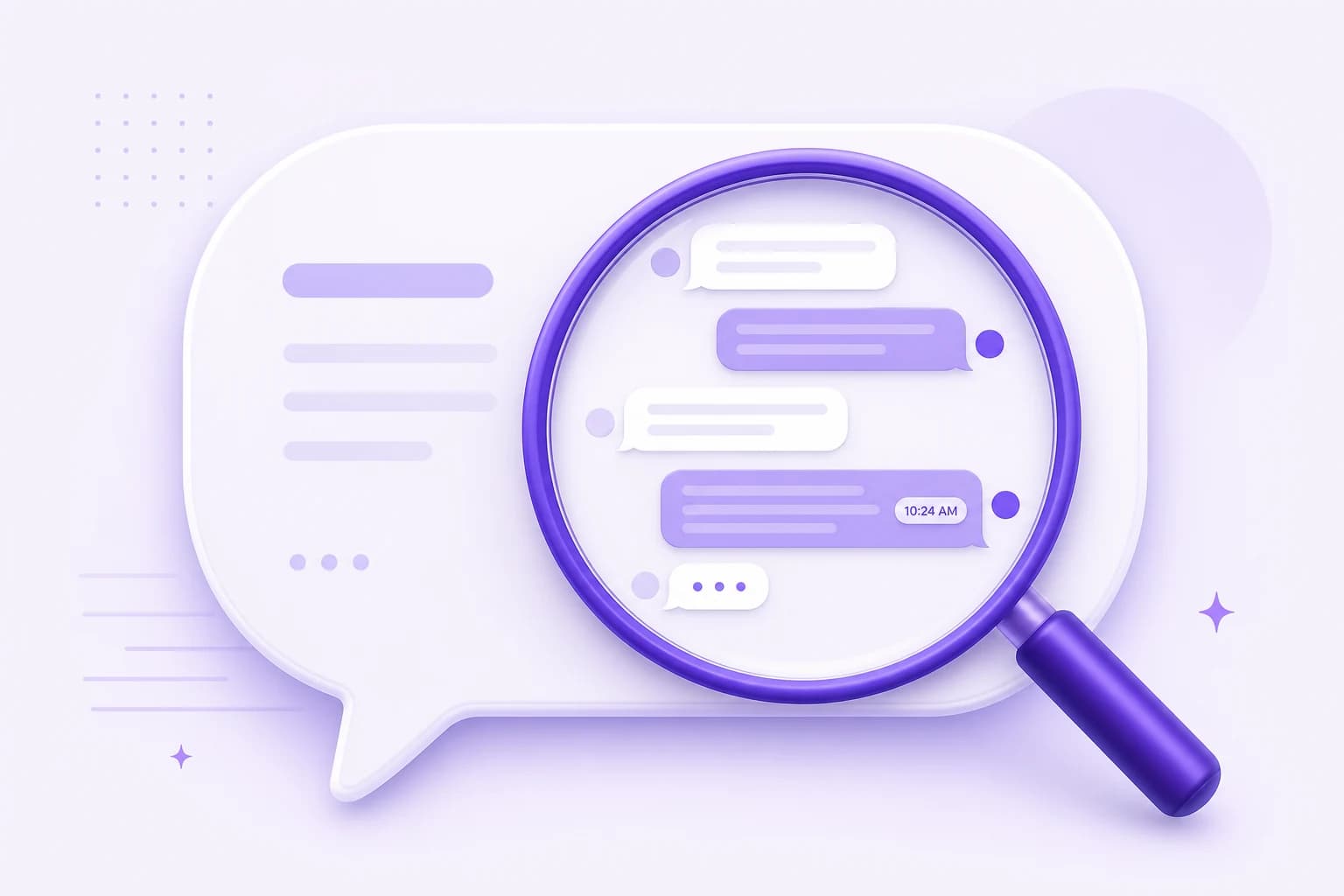
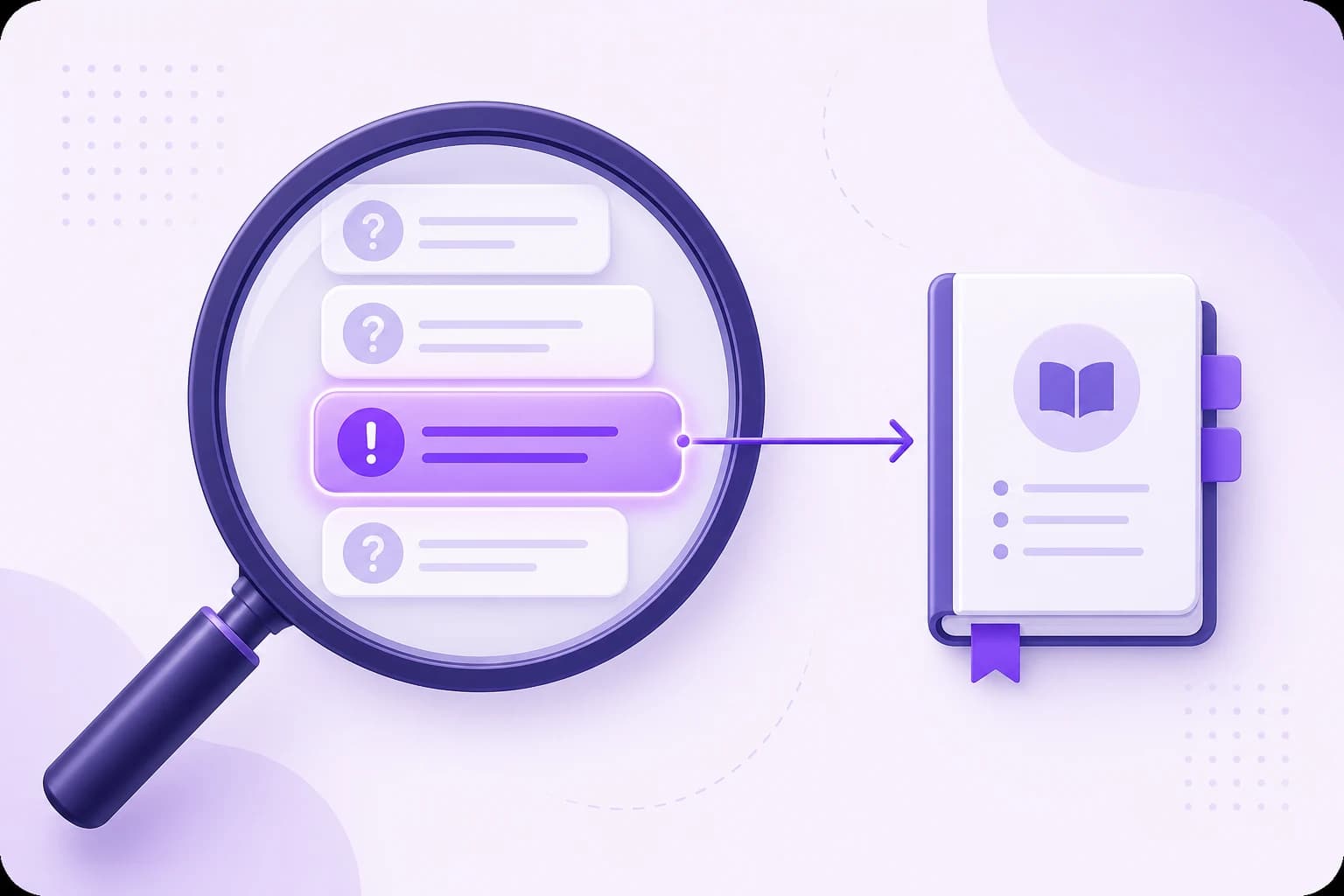
Read every conversation with timestamps and message types. Spot what visitors are really asking and where the bot needs better answers.
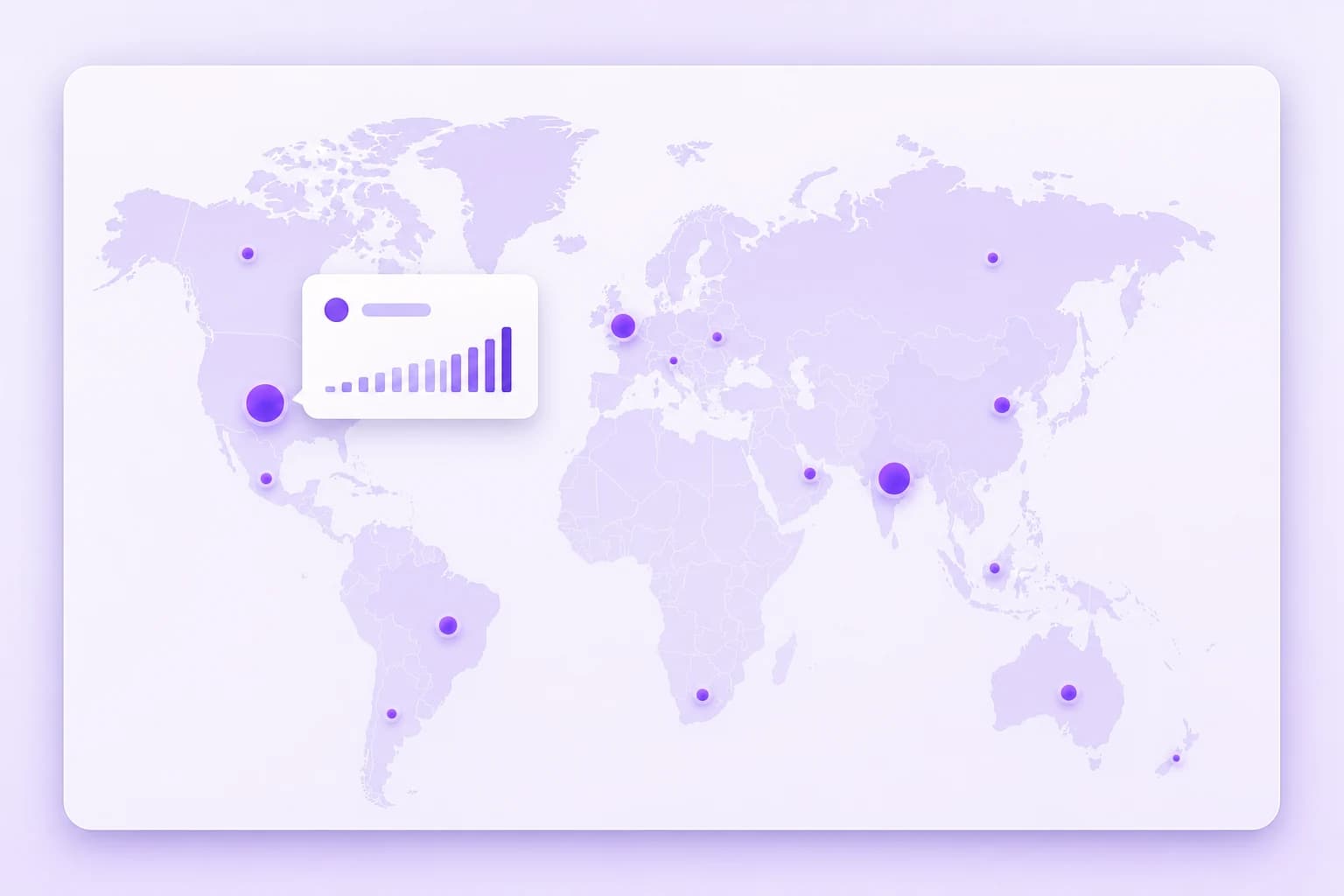
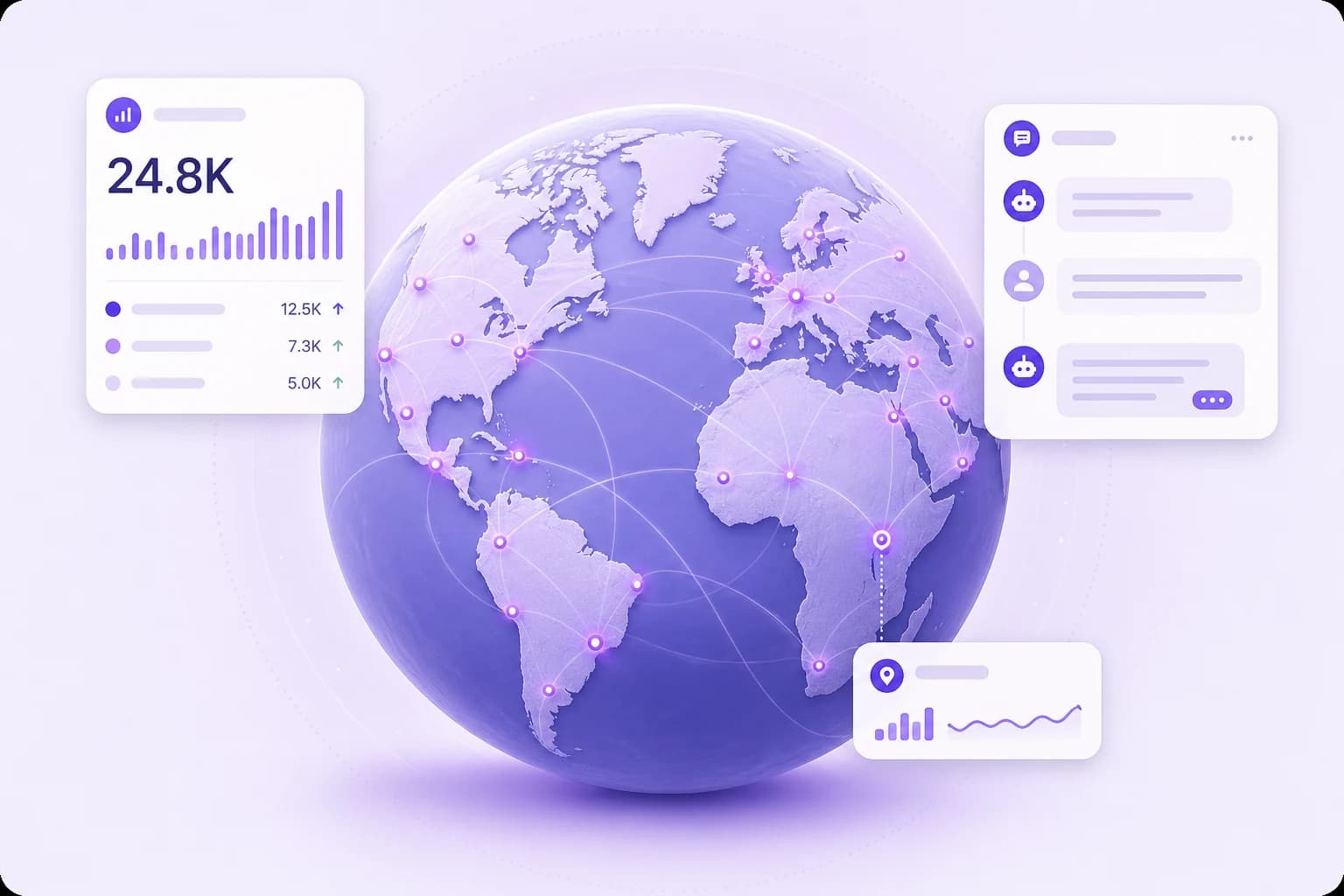
An interactive world map shows session counts by country. Use it to plan localization, regional marketing and language priorities.
One dashboard for the daily check, transcripts and exports for the deep dive.
Unique chat sessions, average messages per session, total messages and average bot response time. The four numbers that tell you if your bot is healthy.
Pick up to five bots and see KPIs broken down per bot in one table. Spot which assistant is pulling its weight and which one needs work.
Default view is the last 14 days, but every chart, table and export respects whatever date range you pick. Compare last week to last quarter in one click.
Browse every session with timestamps, message type and the bot that handled it. Click any row to read the full conversation inline.
A real world map, not a flat table. Hover any country for session counts. Sessions with no IP and unresolvable locations are surfaced separately.
Set up daily or weekly summaries delivered to your inbox. Pick weekdays, time and recipients. Attach the Excel transcript export when you want it.
A workflow you can run in five minutes a week, or in five hours when you want to optimize.
Most analytics dashboards bury geography in a row of flags. We built a real interactive world map so you can spot regional demand at a glance, then translate that into a smarter localization plan.
Five outcomes that turn passive numbers into product decisions.
The dashboard surfaces four core numbers: unique chat sessions, total user messages, average messages per session and average bot response time. You also see message usage against your plan limit, and a per-bot table that breaks the same KPIs down so you can compare assistants side by side.
Yes. You can select up to five bots in the Analytics view and the dashboard aggregates KPIs across all of them, with a per-bot breakdown right below. Date range and country distribution apply to the same selection, so you can compare like for like.
Sessions are mapped to countries using IP geolocation, batched in the background and cached. The interactive world map shows session counts per country with hover and zoom. Sessions with no IP, with private IPs or that fail to resolve are tracked in a separate "unknown" bucket so you always see how complete the data is.
Yes. From the Analytics view you can export chat history as Excel for any bot and any date range. The export includes timestamps, message types, the bot that handled the session and any custom parameters that were captured along the way.
They can. Reporting lets you schedule daily or weekly summaries delivered by email to one or more recipients. You choose the weekdays, the time and whether the Excel transcript export should be attached. After that, the reports just show up.
Used worldwide for fast, friendly support on any website.
Built with European privacy expectations in mind. GDPR-aligned, encrypted end to end, and never used to train third-party models.
Built and hosted with European privacy standards. Your visitors’ data is handled accordingly.
Only your assistant can read it. It’s never used to train third-party models.
Industry-standard encryption protects everything you upload and every conversation.
Free 7-day trial. Cancel anytime.
Not sure yet? See it live on real customer sites →Need help setting up? Free integration call included with every trial. Book a real human, not a sales pitch.