

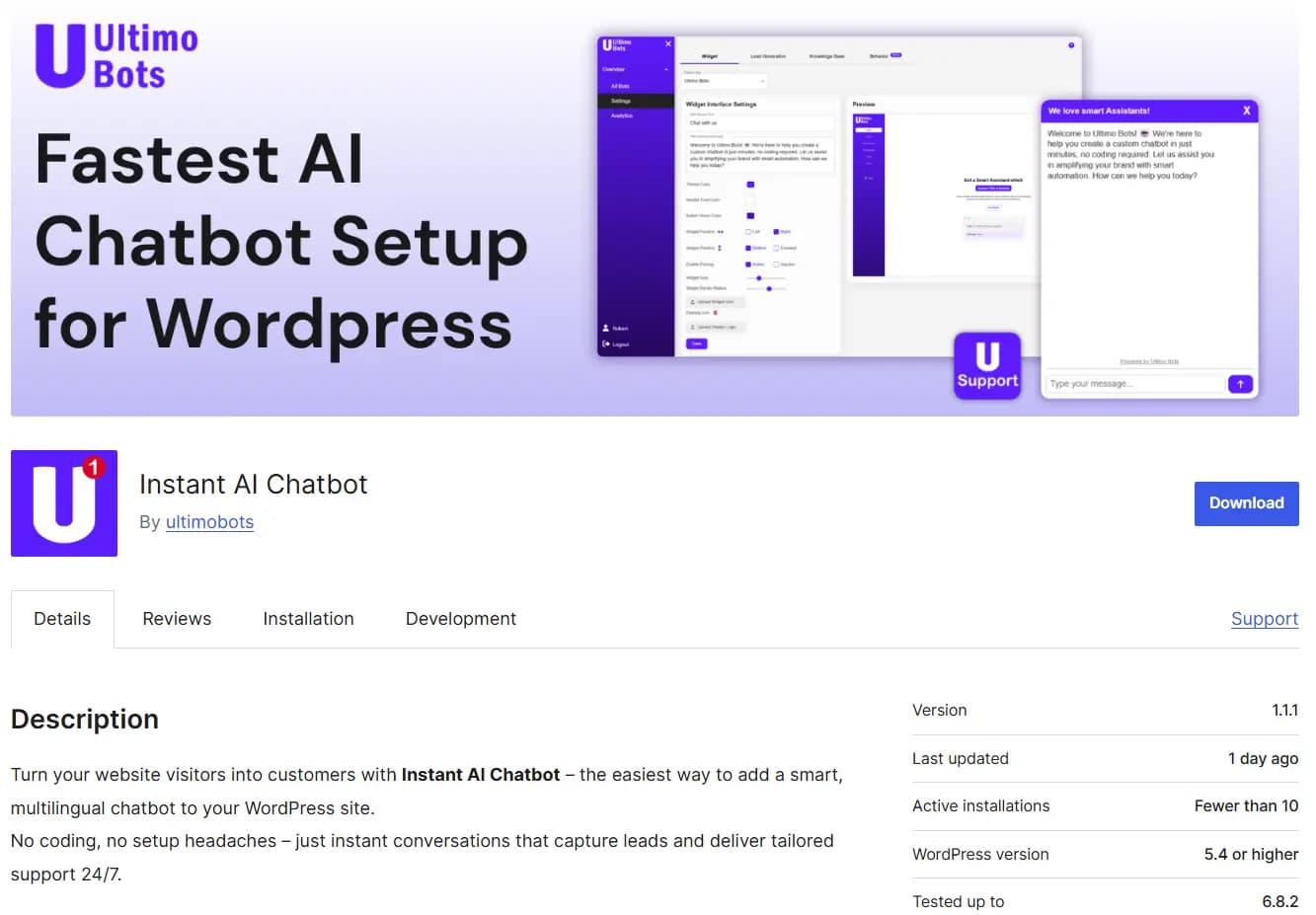
Ultimo Bots is now officially available in the WordPress Plugin Directory, making it easier than ever to add a high-quality AI chatbot to any WordPress website - no coding, no scripts, no manual embedding required.
If you run a WordPress site for your business, blog, shop, or services, you can now launch a powerful AI assistant in under 2 minutes, fully trained on your own content, styled to match your brand, and built with GDPR-compliant infrastructure.
While many plugins promise quick setup and then drown you in settings, Ultimo Bots follows a different philosophy:
- Simple onboarding
- Accurate and safe answers
- Brand-consistent design
- Zero maintenance after setup
- Human fallback when AI is unsure
This guide explains exactly how to install the plugin, how the onboarding works, and answers the most common questions WordPress users have when choosing a chatbot.
Install Ultimo Bots from the Plugin Directory
Why Add a Chatbot to Your WordPress Site?
WordPress powers over 40% of the internet - but most sites still suffer from the same problems:
- Visitors leave without finding key information
- Contact forms are ignored
- Support emails keep repeating the same questions
- Conversion rates are lower than expected
- Users browse multiple pages but never take action
A good AI chatbot changes this instantly by:
- Giving instant answers based on your content
- Guiding visitors to the right page or call-to-action
- Capturing leads conversationally
- Reducing support workload
- Increasing time on site and conversions
- Handling multiple languages automatically
Ultimo Bots turns your WordPress website into a dynamic, interactive experience that works 24/7 - even when you're offline.
How to Install Ultimo Bots on WordPress
There are two fast and safe methods. Choose whichever you prefer.
Option 1: Install from the WordPress Plugin Directory
- Visit the official Ultimo Bots Plugin Page.
- Click Download to get the plugin .zip file.
- In your WordPress dashboard, go to Plugins → Add New → Upload Plugin.
- Select the .zip file and click Install Now.
- Click Activate.
Option 2: Install Directly Inside WordPress (Preferred)
- Go to Plugins → Add New in your WordPress admin.
- Search for "ultimobots".
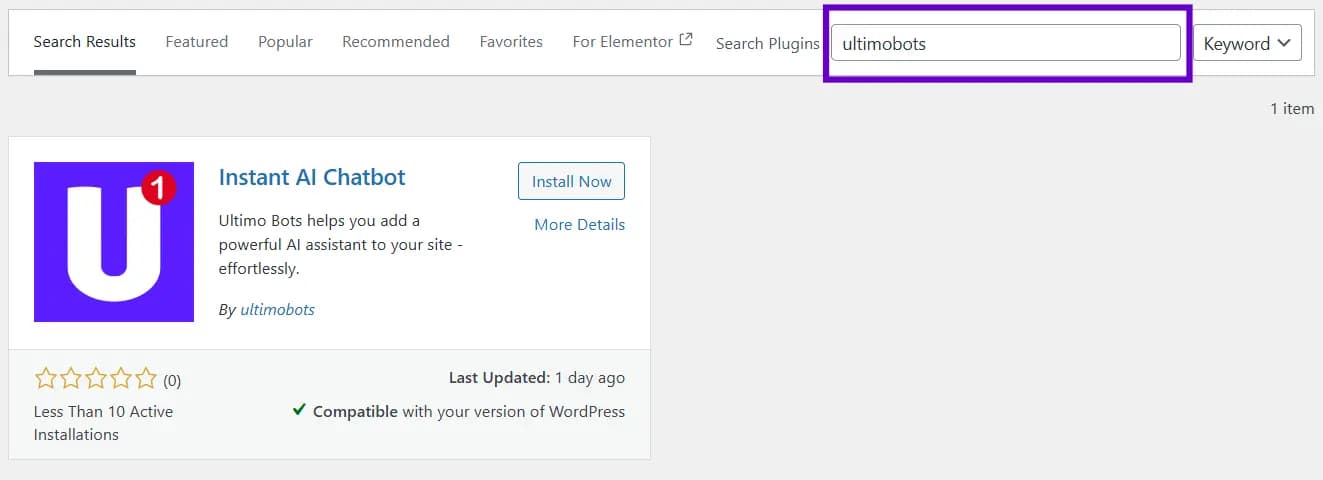
- Click Install Now → Activate.
Once activated, the plugin automatically redirects you to the onboarding flow.
What Happens After Activation?
The moment you activate the plugin, you’re guided through a simple 4-step setup designed for non-technical users.
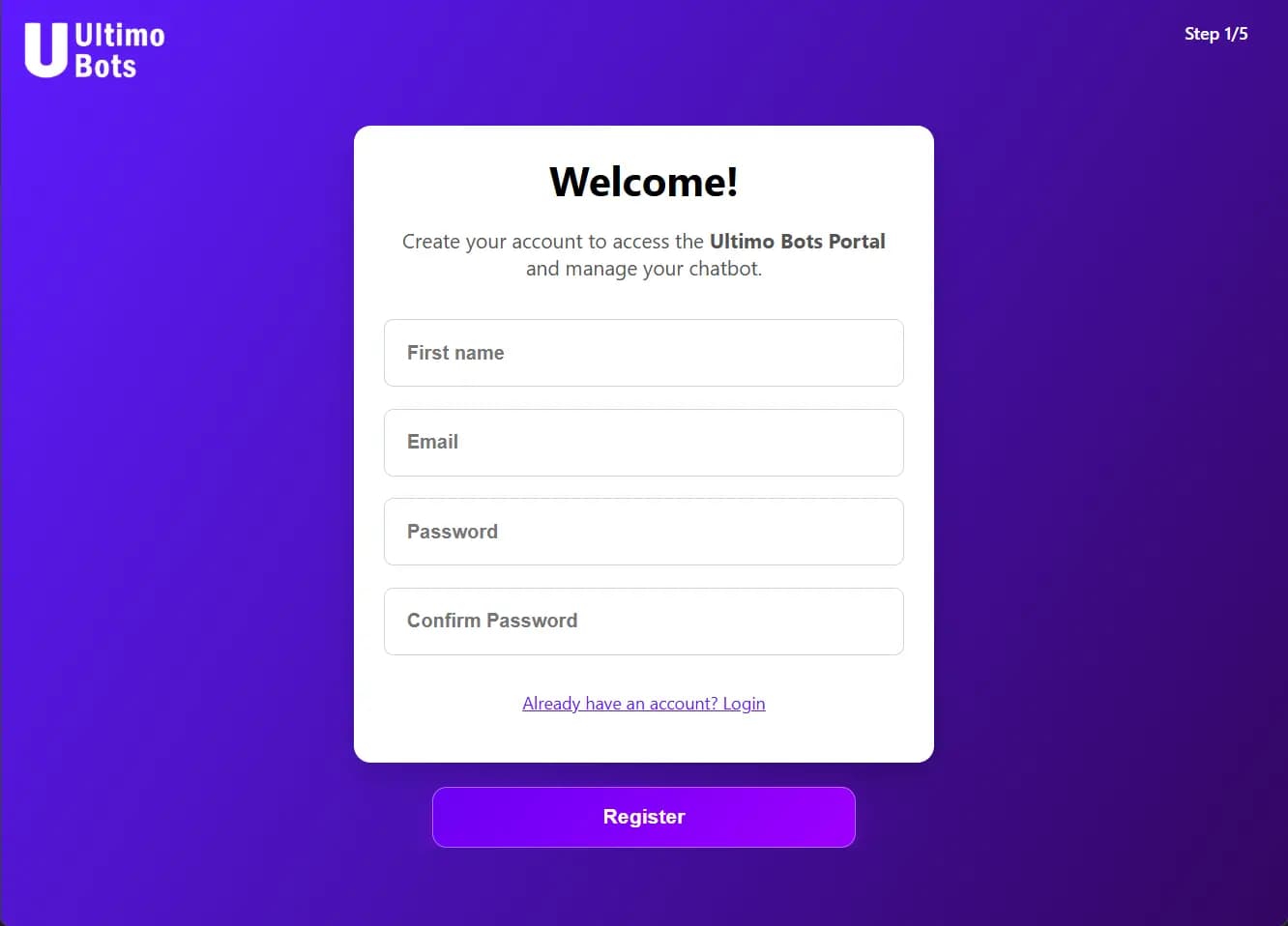
Step 1 - Create an Account
Your email is pre-filled. Set a password and enter.
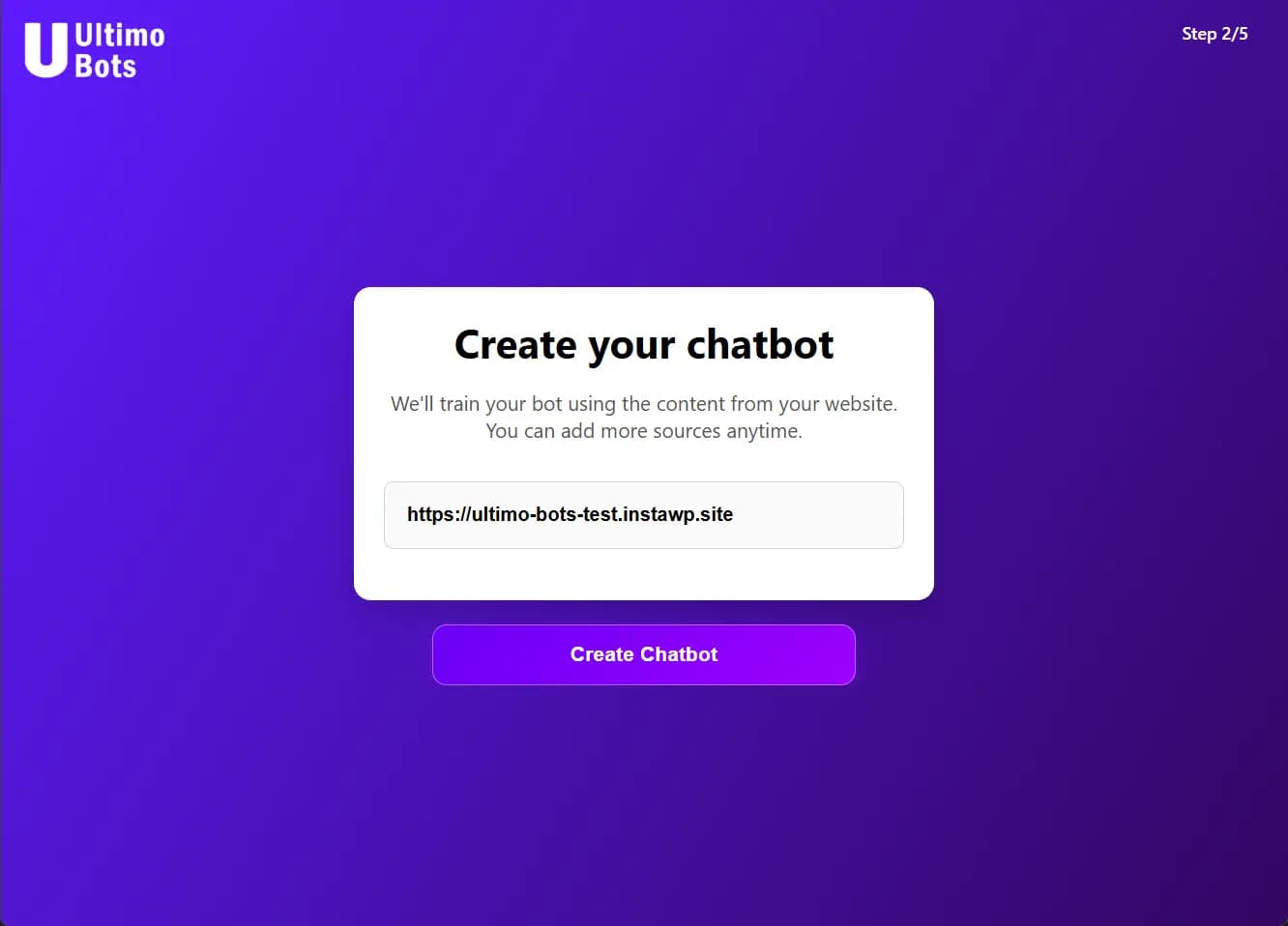
Step 2 - Generate Your Chatbot
The system scans your site and builds a private knowledge base.
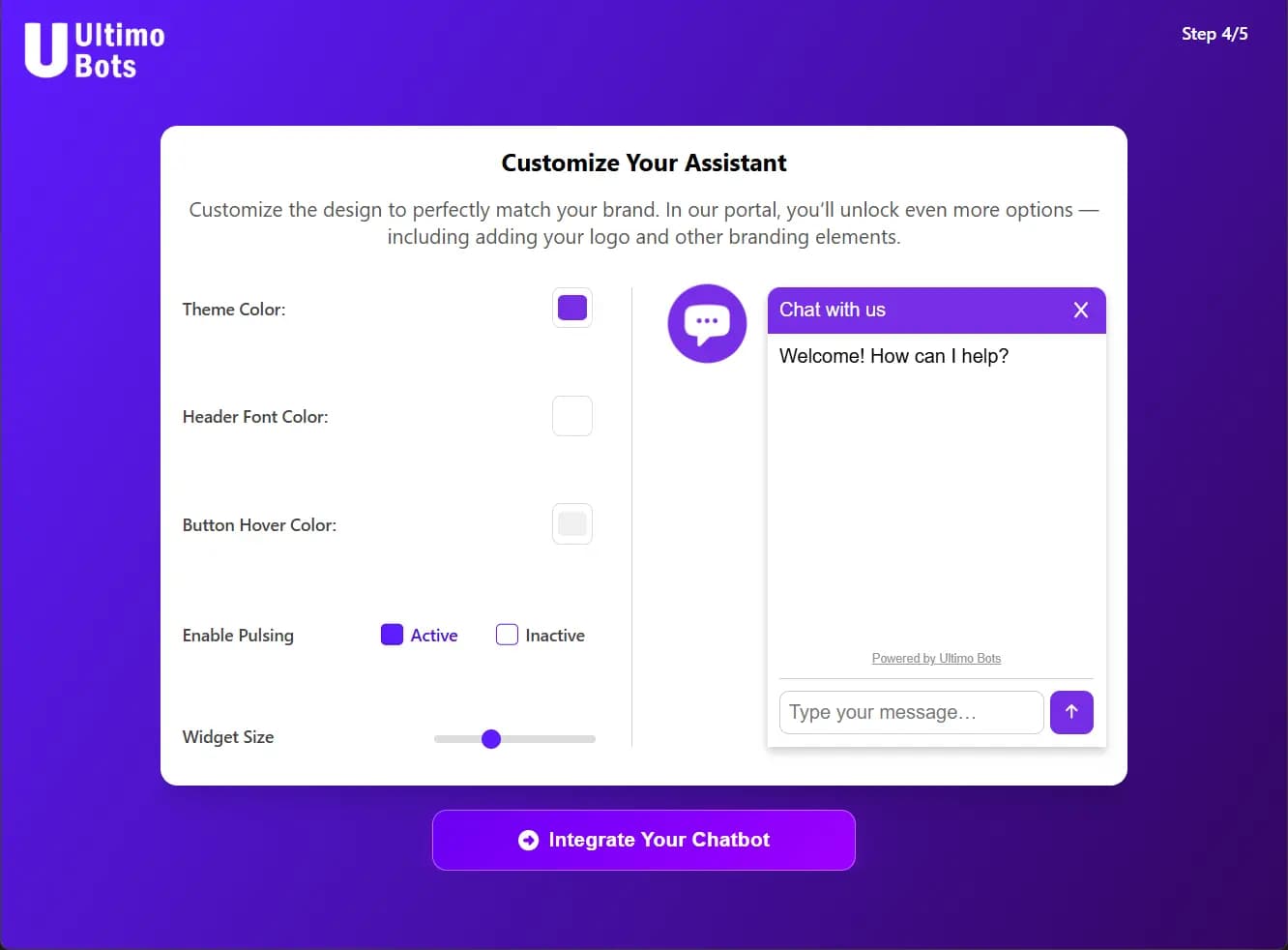
Step 3 - Customize the Design
Adjust appearance, tone of voice, behaviour, and advanced settings.
Step 4 - Your Chatbot is Live 🎉
The chatbot is automatically injected into your WordPress site.
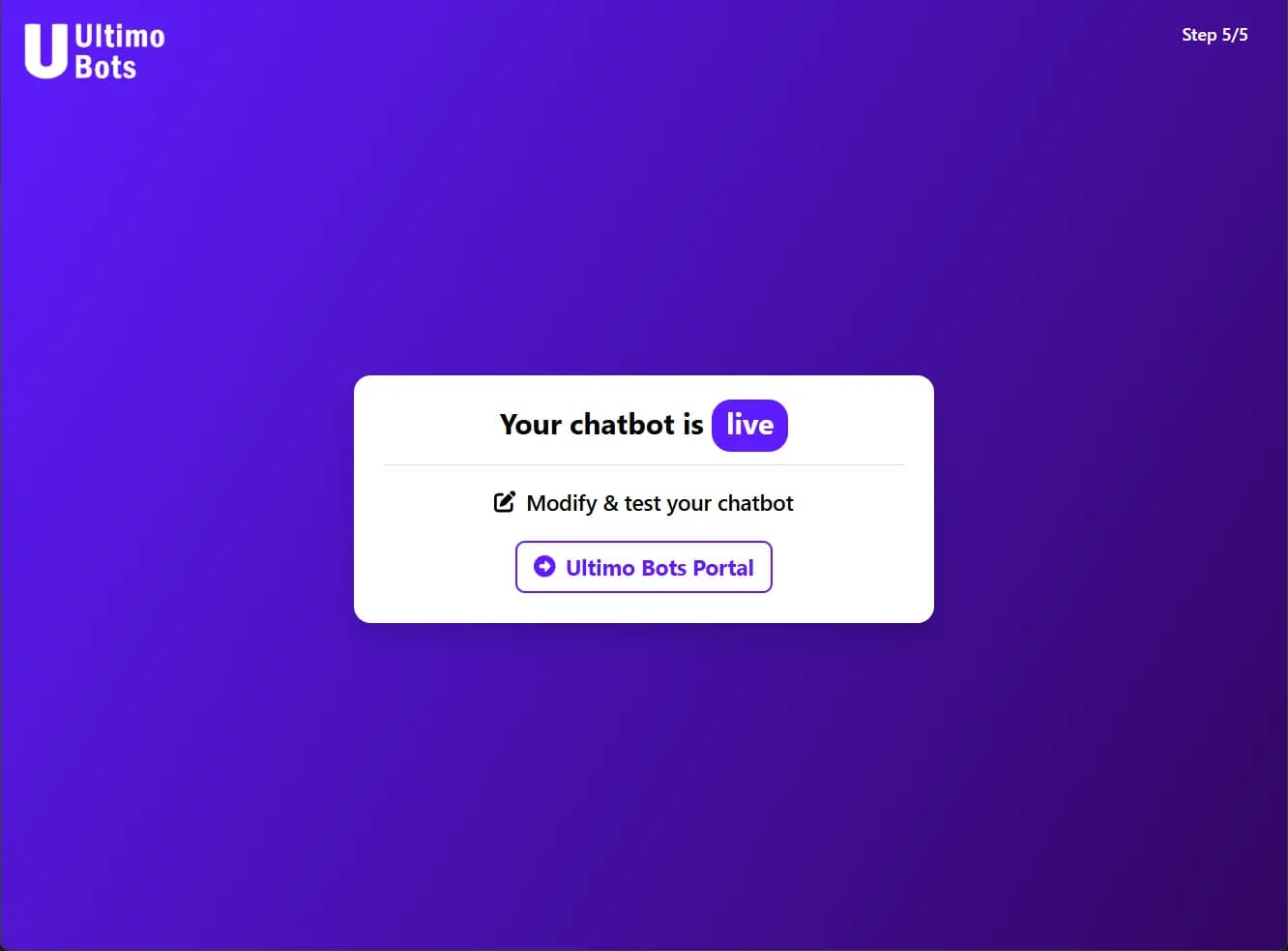
You're done. No manual scripts. No shortcode. No theme editing.
Start the WordPress Onboarding Flow
Why Choose Ultimo Bots for WordPress?
WordPress users consistently choose Ultimo Bots because:
- Fastest installation of any AI chatbot plugin
- Zero coding - everything works out of the box
- Accurate responses trained strictly on your content
- No hallucinations - when the bot is unsure, it escalates
- GDPR-compliant infrastructure hosted in Switzerland
- Fully customizable widget and tone
- Multi-language support built in
- Conversation insights & analytics
- Human handover options
“I have tried many services for my WordPress website but this is the best and easiest chatbot tool on the market. The setup was done in 1 minute and I can fully customize the design and behavior. Answers are very human and accurate. LOVE IT!”
- Inasantos9
Common Questions from WordPress Users
Will it slow down my site?
No. The widget loads asynchronously and does not block rendering. Your page speed remains intact.
Will it work with my theme?
Yes. Ultimo Bots works with all popular WordPress themes including Astra, Divi, Elementor, GeneratePress, Kadence, Neve, and custom themes.
Does it support WooCommerce?
Yes - and it performs extremely well:
- Answers product questions
- Helps customers find items
- Explains shipping & returns
- Handles FAQs
- Boosts conversion and reduces cart abandonment
Can I train it with documents too?
Yes. PDFs, text files, knowledge bases, onboarding manuals, product sheets - all supported.
What if I update my WordPress pages?
You can re-scan your website anytime with one click in the portal.
How safe is the AI?
All data is processed under GDPR rules. Your content is private and never shared with other users.
Do I need to add code or edit my theme?
No. The plugin handles everything automatically.
Can it handle multiple languages?
Yes. It detects the visitor’s language and responds appropriately.
Can I control what the bot is allowed to say?
Yes. You can set:
- Allowed topics
- Forbidden topics
- Fallback answers
- Personality style
- Tone (friendly, professional, minimalist, etc.)
What happens if the AI is unsure?
It escalates to human review instead of guessing.
Use Cases for WordPress Websites
Ultimo Bots is used across many industries:
- Local businesses providing opening hours, prices, services
- Online shops guiding customers and boosting conversions
- Coaches & consultants capturing leads
- Agencies providing instant responses
- SaaS companies offering product support
- Blogs & content sites recommending articles
Whether your goal is support, lead generation, or higher engagement, Ultimo Bots adapts to your website.
Get Started Today
Install the plugin today and launch your chatbot in minutes: