

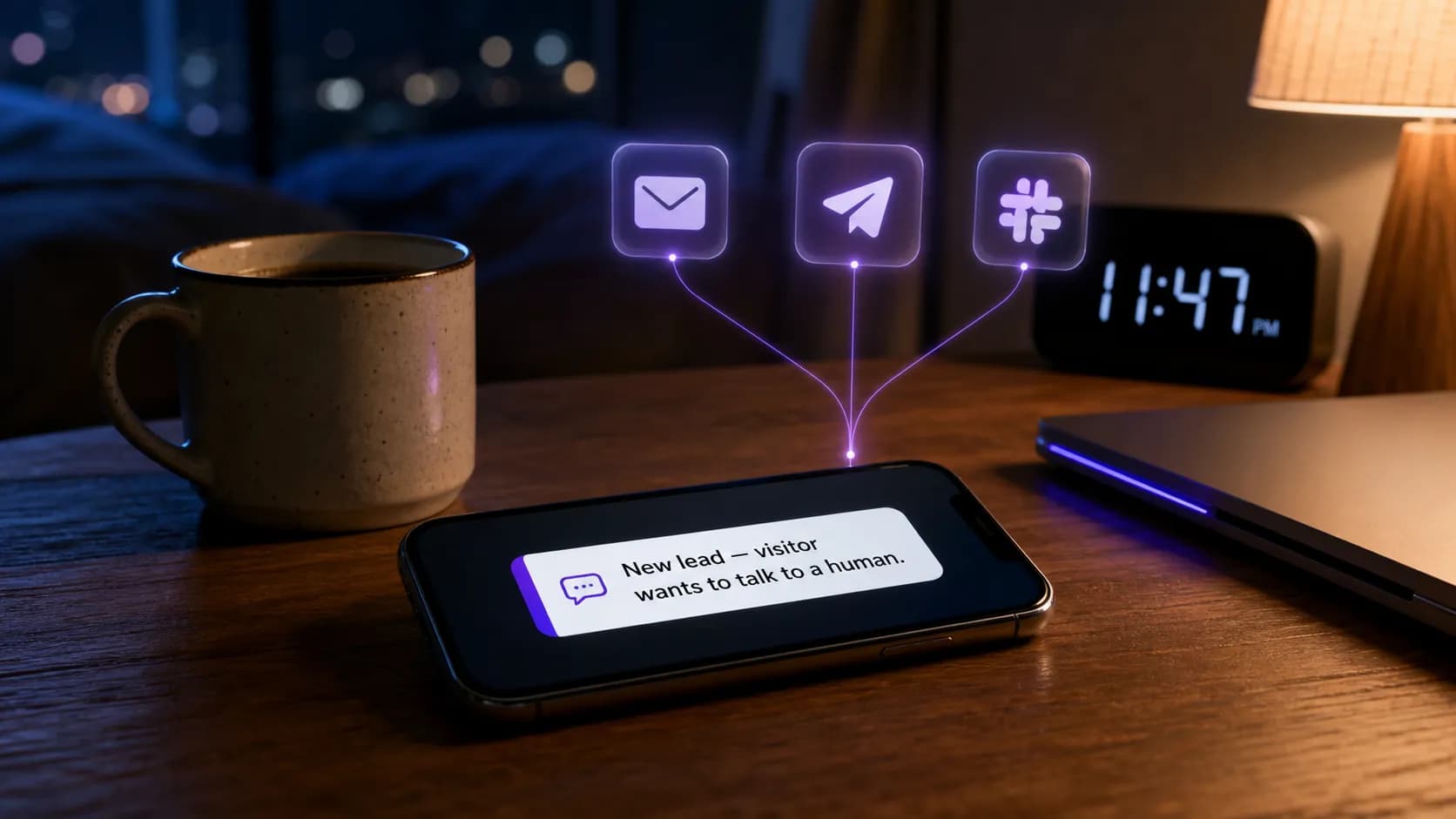
There's a specific kind of regret that only hits you the next morning. You open the dashboard with your coffee, and you see it: a chat from 11:47 PM the night before. A real one. Someone asking a real question, with their hand halfway on their wallet. Your AI did its best. It wasn't quite enough. They needed you for the last sentence, the one that would have closed the sale, and you were asleep two rooms away with your phone face-down on the nightstand.
You didn't get notified. You didn't get notified because the platform you were using treats every single ping the same — a buzz for a "hi", a buzz for a billing question, a buzz for somebody who left after one message. So you turned the buzzes off three weeks ago. And now an actual human being who was actively trying to give you money walked away because nothing was loud enough at the right moment.
That's the gap we just closed.
We Stopped Treating All Notifications the Same
Every bad notification system I've ever used was clearly built by someone who's never had to explain to a five-year-old why daddy's phone won't stop buzzing during the school play. They ship "real-time alerts" as a checkbox feature and call it shipped. You get a torrent or you get nothing. There is no in-between.
The Notification Center we just rolled out is the in-between. It assumes that the four things happening on your site at any moment are not equally important to you, and it lets you say so out loud, in one screen, per channel, per event, per bot.
The four events we listen for, and why each one is on the list:
New chat. A visitor just opened the widget. Some people want this — they like knowing when traffic is hot. Most don't. It's the equivalent of a doorbell that rings every time someone walks past your shop window.
Help requested. This is the one that matters. The visitor was talking to your AI, the AI couldn't quite finish the job, and the visitor clicked the button that says, in essence, "get me a person." If you only ever turn on one thing in this whole panel, turn this one on. Everywhere.
New message. Every single visitor reply inside a chat you've already joined. We hard-locked this one to in-app only. You can't email it. You can't Slack it. You can't Telegram it. We physically removed those checkboxes, because if you're in a thirty-message conversation with someone, getting thirty emails from yourself is how you start hating the whole product.
New lead. Someone gave the bot a name and an email. They have raised their hand. Something downstream of this — a sales call, a follow-up email, a CRM row — needs to happen, and someone (you, your sales person, your VA) needs to know about it.
That's the whole vocabulary. Four words. Each one earns its own row in the matrix.
Open the Notification Center on Your Bot
Five Channels, Each One Designed for a Different Hour of the Day
A notification only works if it reaches the room you happen to be in. So we built five channels, and the point is not that you'd use all five — the point is that one of them is always the right one for the moment.
In-app. The portal itself, with a count badge and toast on the page. Free, instant, perfect for the hours you're already at your desk with the tab open. Bad for everything else.
Email. Honest, durable, searchable. Great for "new lead" and "help requested" — the kind of events you might want to forward to a colleague three days later. Less great as a real-time channel, because email is a delivery medium, not an alert medium. We send from build@ultimo-bots.com, and there's a note inside the panel reminding you to drop us into your safe senders list, because spam folders eat conversion.
Telegram. This is the one we're most proud of, because it's the channel a one-person business actually checks at 9 PM on a Sunday. Setup is a single deep-link tap to our Telegram bot — no webhook, no Bot Father, no token to manage. You add the bot, it pings you with a code, you confirm, and now your phone buzzes for new leads while you're cooking dinner. You can wire up multiple chats (yourself, a partner, a group) and toggle each one independently per event.
Slack. Webhook-based, so you can route "new lead" into your #sales channel and "help requested" into #support without anyone having to be the human router in the middle. Coming soon.
Microsoft Teams. Same shape — webhook-based, scoped to a channel. Coming soon.
The reason every channel has its own row in the matrix is that the right channel for "help requested" is almost never the right channel for "new chat." Help requested probably wants Telegram on your phone and an email in your inbox. New chat probably wants nothing at all. The matrix lets you say that.
The Recipient Lists Are Per-Channel, Not Per-Event (And That's Deliberate)
This was the hardest design call we made, and it's worth explaining because the wrong choice would've ruined the whole feature.
The naive design says: every event has its own list of recipients. New leads go to Sarah, help requests go to Tom, new chats go to a Slack channel. Sounds great until you realize you now have to maintain four sets of email addresses, four sets of Slack webhooks, four sets of Telegram chats — and every time someone leaves the team, you're updating four lists in the same panel and forgetting one of them.
So we made a different call. You define one recipient list per channel. The emails that get the email notifications are one list. The Slack channels that get the Slack notifications are one list. The Telegram chats are one list. Then the matrix on top decides which events are allowed to trigger which channel.
The result is that adding a new teammate is a one-line change. The result is that turning off a noisy event is also a one-line change. The result is that nobody can be subscribed to "new chat" and accidentally get woken up at 3 AM, because either the channel is on for new chat or it isn't, and there is no mystery fourth list quietly emailing them anyway.
It's the kind of decision that doesn't show up in a feature comparison table. You only feel it the third week, when nothing is broken and nothing is noisy.
Set Up Your Channels in Two Minutes
The Anti-Spam Rules We Wrote Into the Product
A notification center that lets you do anything will eventually be configured into hating you. So a few rules are baked in, not configurable, on purpose.
new_message is in-app only. Already mentioned, worth saying twice. If you've joined a live conversation, you don't need an email for every reply. You're already there.
We physically block the save if a channel is half-configured. Enable the email channel for any event without entering a valid email and the panel refuses to save. Same for Slack webhook URLs (we check the actual hooks.slack.com/services/... shape) and Teams webhook hosts (webhook.office.com or logic.azure.com). The error tells you which channel is broken and why, so you fix the right thing instead of finding out three days later that nothing's been delivered.
Defaults are deliberately quiet. A brand-new bot starts with help_requested going to in-app + email, new_lead going to in-app + email, and the rest in-app only. We do not turn on five channels and let you discover the noise yourself in the middle of a sales call with your biggest prospect. That's the demo-trap and we refuse to fall into it.
Coming-soon channels are visibly coming-soon. Slack and Teams render with a badge. Their toggles are live so you can plan, but the actual delivery is rolling out next, and we'd rather be honest than pad a feature list.
What This Looks Like on a Real Tuesday
You're a marketing manager for a 40-person SaaS. Your bot lives on the pricing page, the docs, and three landing pages. Here's the configuration that I'd argue for:
help_requested→ in-app + email + Telegram. This is the lead-saver. It needs to find you on your laptop, in your inbox, and on your phone.new_lead→ in-app + email + Slack#growth. The whole growth team should see leads land. Email gives you the durable record.new_chat→ in-app only. You don't need to know every visitor. The dashboard count is enough.new_message→ in-app only (it's locked, anyway).
That's eight clicks. Then you walk away, and on the Tuesday when somebody hits the "talk to a human" button at 2:14 PM while you're in a meeting, your phone vibrates once, you glance, you reply in three lines from the live inbox, and a $4,800/year customer doesn't go anywhere.
That's what the panel is for. Not impressive screenshots. The Tuesday.
Configure Notifications for Your Bot Now
Why We Built This Now
The honest backstory: we shipped the live chat feature first (the one that lets you jump into a conversation and take over from the AI). Within forty-eight hours of that launch, the support inbox filled up with the same question, phrased six different ways: "how do I actually know when someone wants me?"
The truthful answer was *"check the dashboard." That answer is bad. Nobody is going to sit in a dashboard tab all day on the off-chance a visitor needs help. The only useful kind of "live chat" is one where you don't have to be live until the moment matters.
So we built the matrix. We built the recipient lists. We built the Telegram deep-link flow. We wrote the validation. We hard-locked new_message because we'd watched ourselves get notification-fatigued in our own staging environment. The whole thing is in production now, on every plan, with no upgrade nag.
If you've already got a bot, the panel is two clicks away — gear icon, Notifications. If you don't, the entire flow (build the bot, train it on your site, wire up the notifications, go live) takes about the time it takes to drink a coffee.